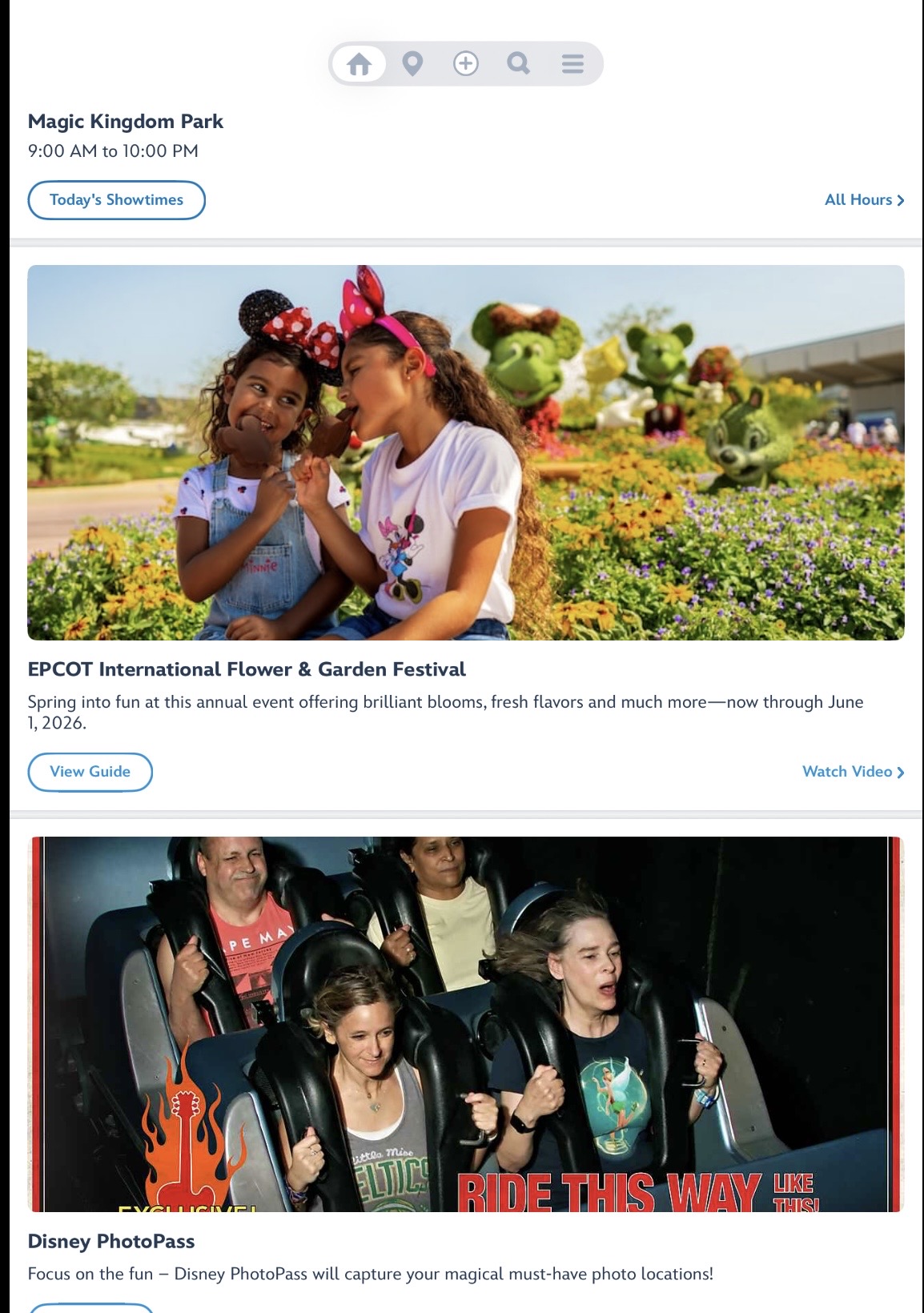
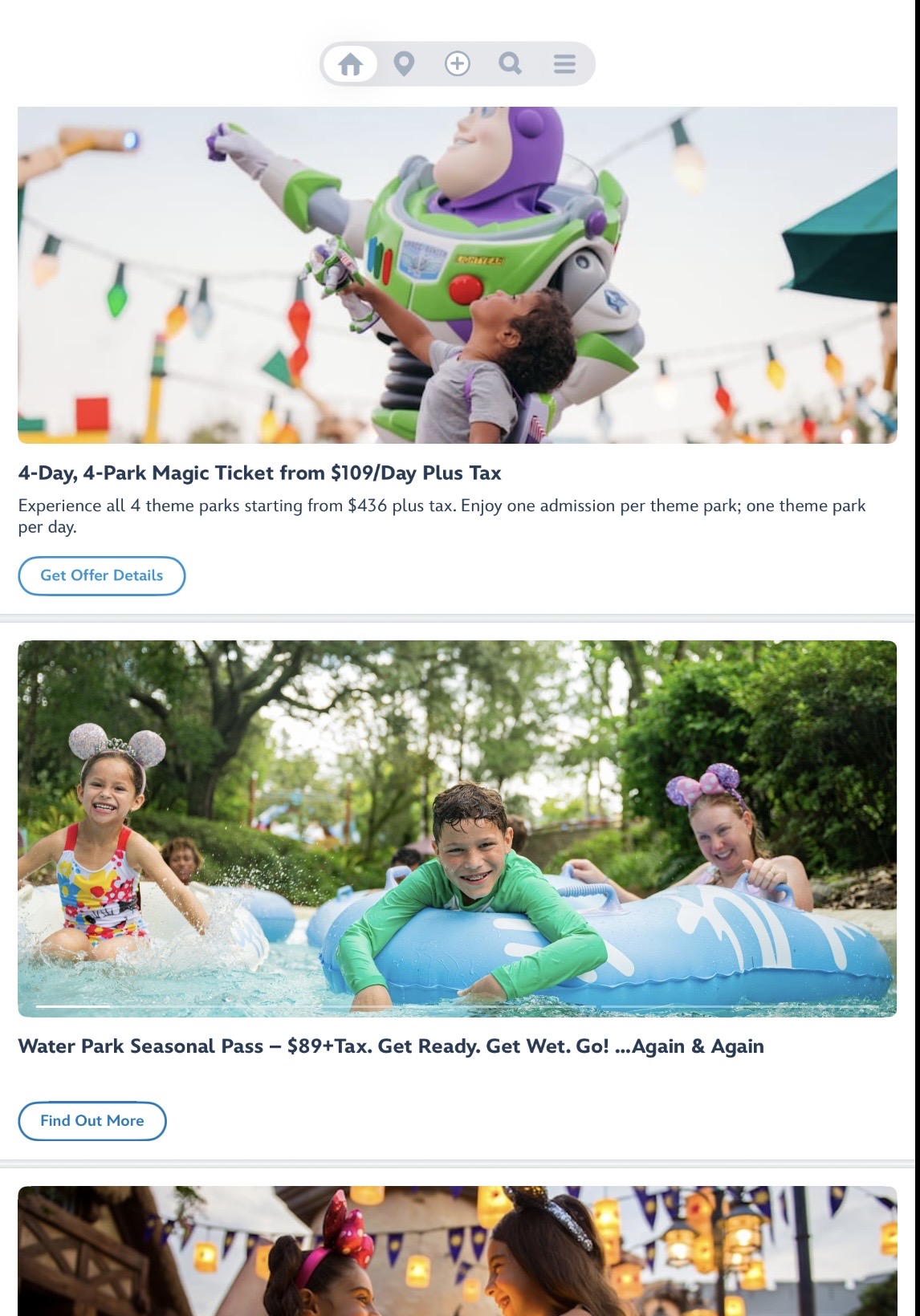
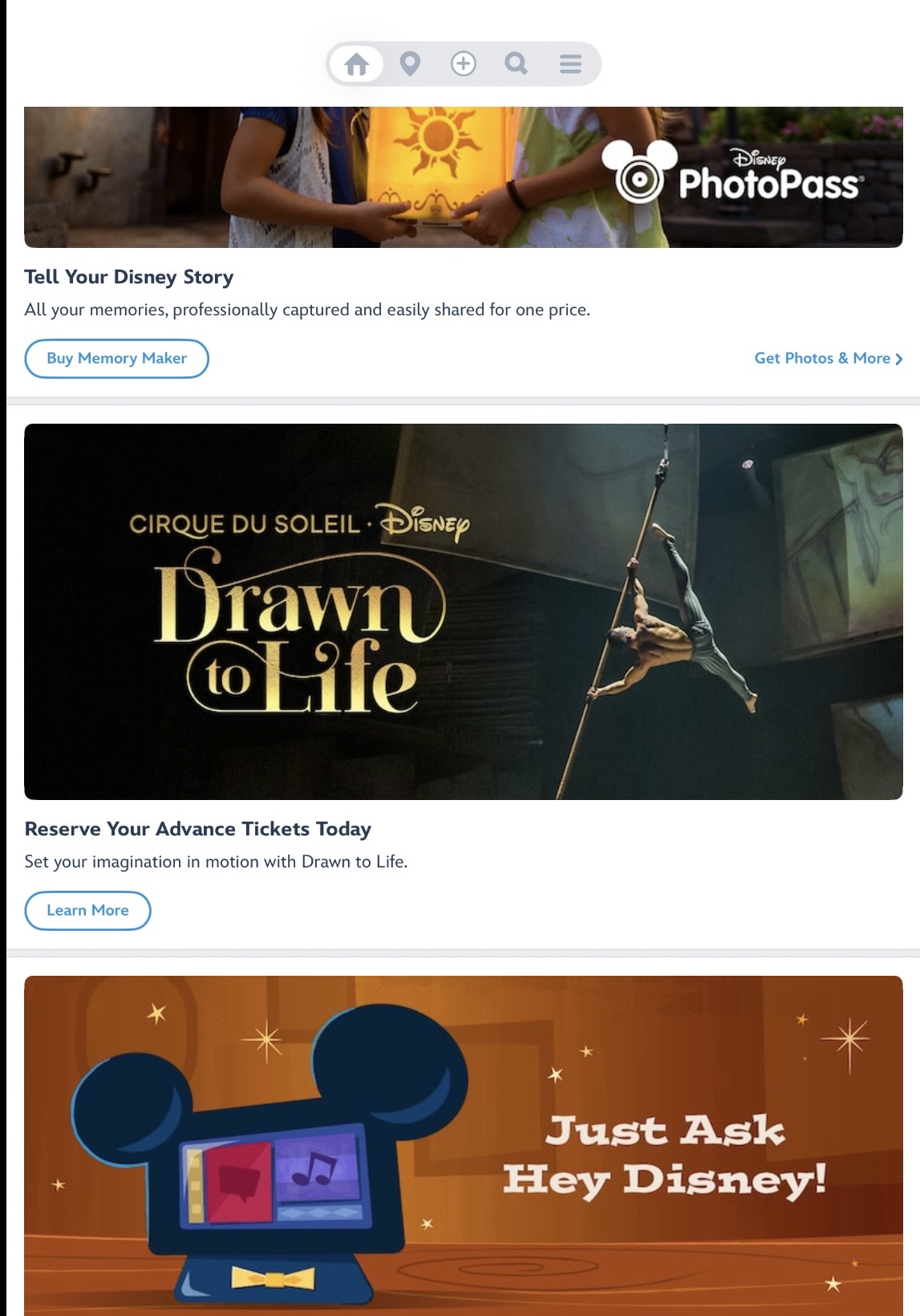
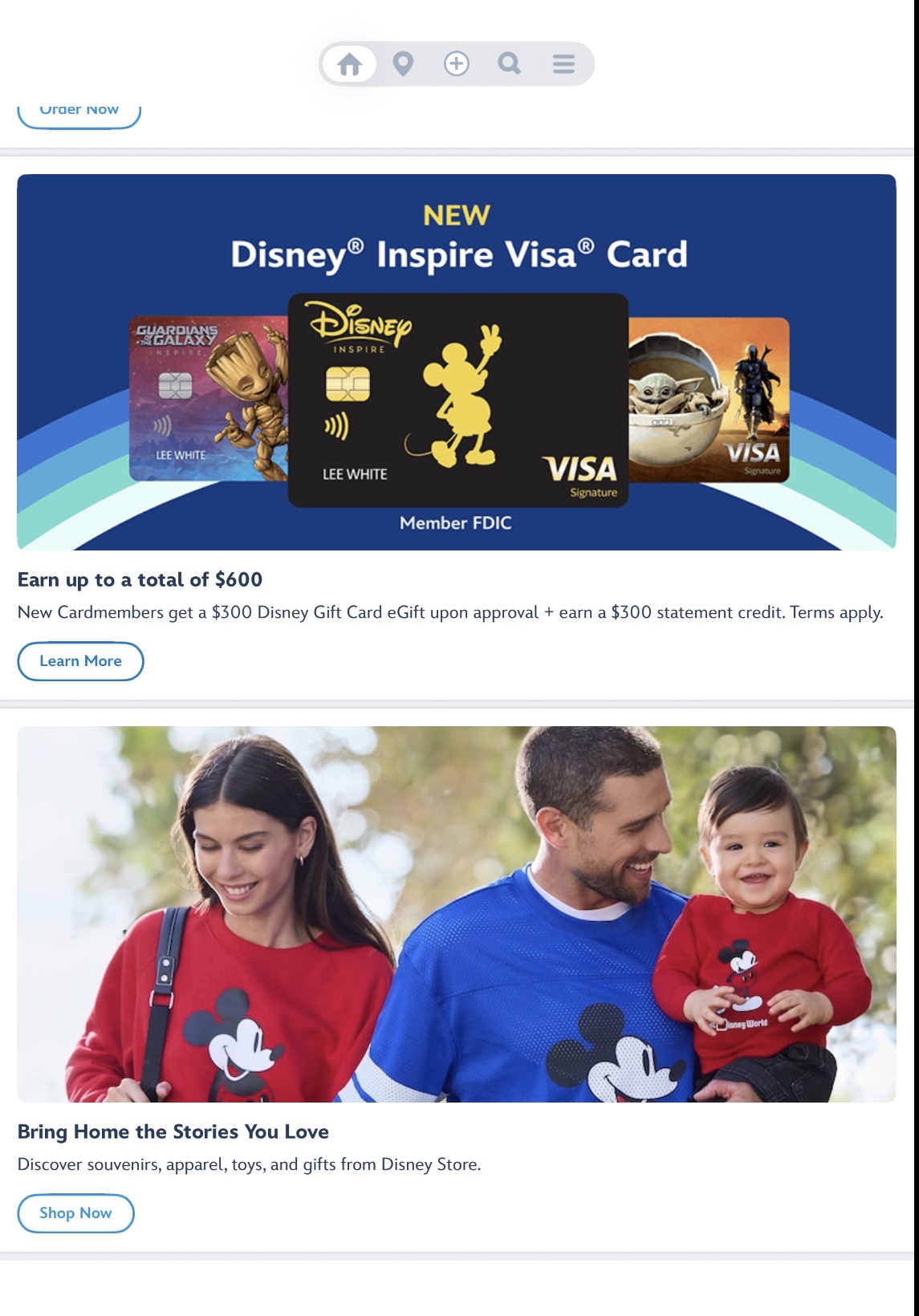
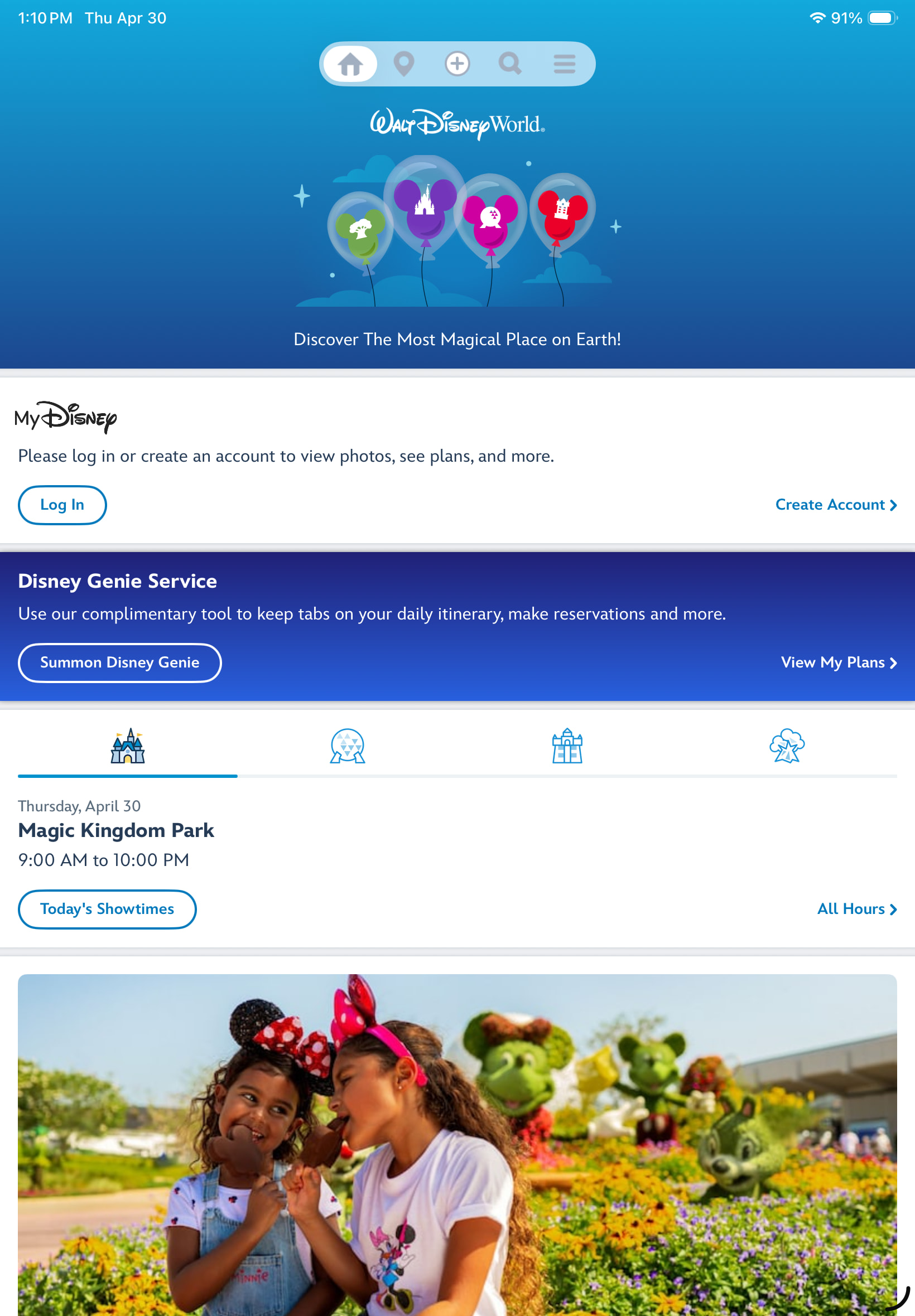
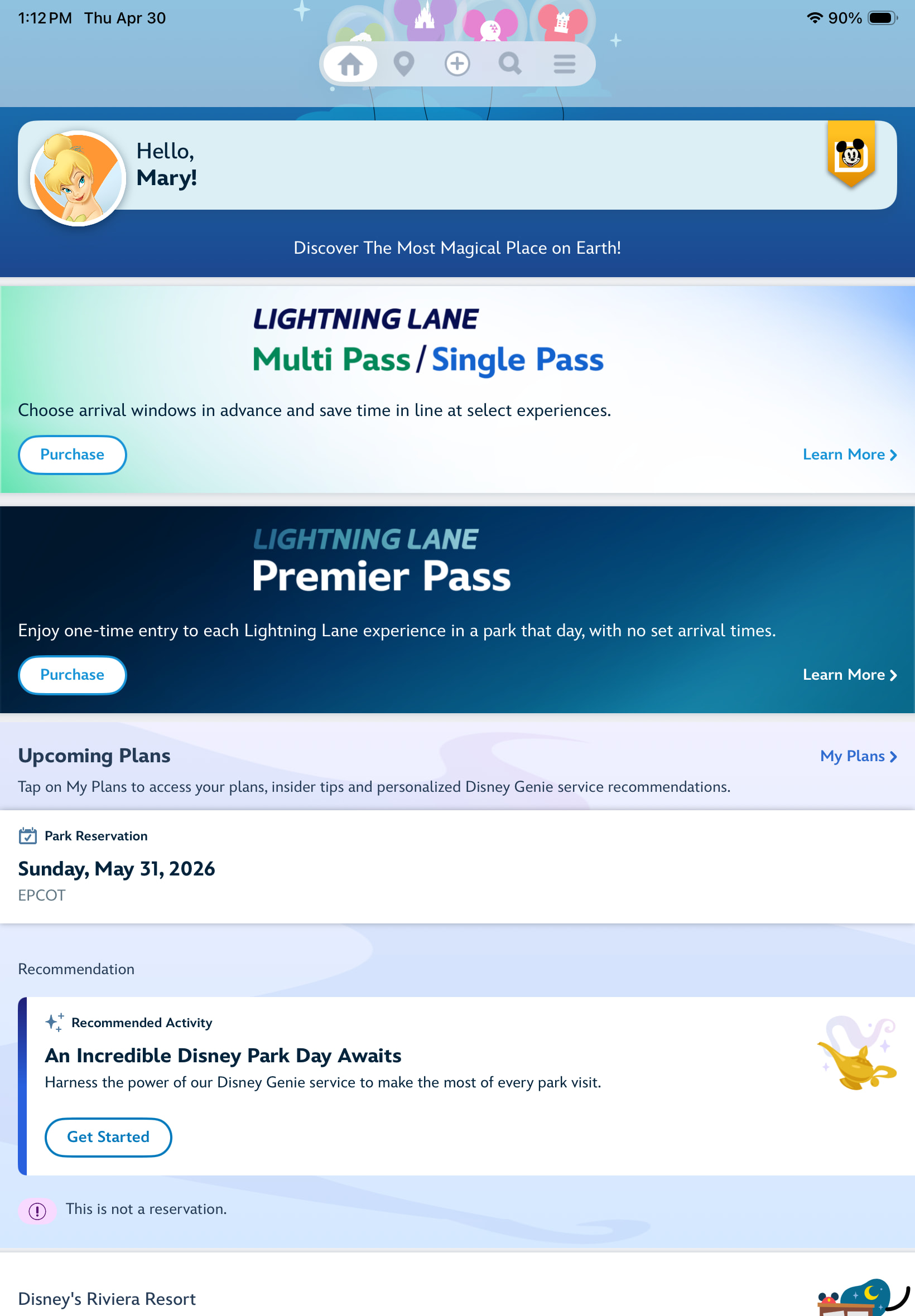
Further down I have this
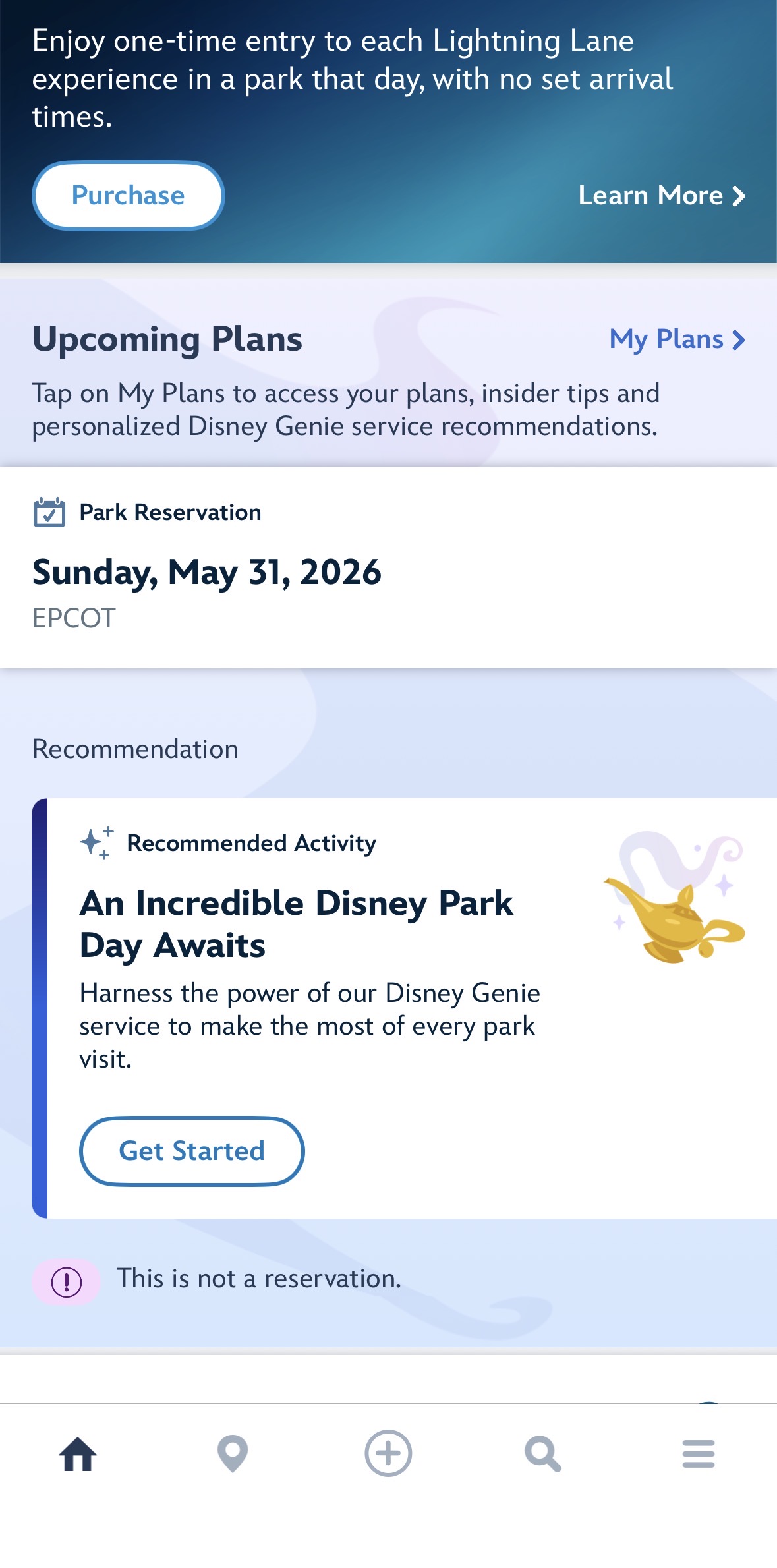
But once again, it goes to Genie and crashes my app.
As long as your tickets show up under “my tickets” then you will be fine on purchase day from a linking stand point.
@Jeff_AZ I have the exact opposite impression of the Genie feature. The latest update revamped the “my day” feature and tends to incorporate old Genie more, not les. Being in the parks with several different newbies last week, they definitely used the “my day” tab and Disney’s suggestions, poweres by Genie. Maybe because the DLR version works much better than WDW because there are only two parks and so many more rides.
Ear Scouts put out a very comprehensive video and shows all the tricks for maximizing LL using MDE:
@PrincipalTinker I don’t know how to help with the crash - that is frustrating and makes things nearly impossible if BG1 is down.
My devices are both updated with the latest iOS and app versions.
And you scroll down pass the different offers and promotions and there is no blue box to summon Disney Genie?
Do you have tickets linked to your account?
No blue box there. That box that says “An incredible…” launches Genie, and it crashes. It does the exact same thing as the “add preferences” launch - Genie crashes the app on launch.
On my iPad I do not even have the “An incredible…” box.
IOS 26.4.2. MDE 8.20.0
I have an AP and park reservations.
Other than what I posted above, my homepage is filled with advertisements and products they want to sell.
Am I missing it?
What happens when you tap on My Plans? Does it crash immediately or does it show you the calendar with the day you have your park reservation?
I have tickets and it takes me to the days my tickets are valid
My plans open the same window as Jeff posted above,
But the “Add Preferences” button starts to launch
LOL! I don’t even have an add preferences button.
I don’t understand how we have different versions of the app when we both have latest updates.
I figure we have differences because I am with dated tickets, you are AP.
Last suggestion: have you tried deleting app and reinstalling?
Oh! That is the one thing I haven’t try! I completely shut down my devices but did not try deleting the app. Trying on my iPad now!
Funny, I could see Genie when I relaunched the app, before I logged in
But once I log in, it changed
But once logged in it crashed again.
The add prefences only shows up if you have a park reservation or dining reservation for the day. Makes it tough to get to.
We are doing something similar in June. With AK in the state it’s in a strong rope drop will takes care of everything we want to do -and then we are hopping over to Epcot. That’s where we are we put our money-Guardians and multi-
Are you all APs? Can you log in with someone elses acoount?
Thanks for the idea. I am going solo.
My biggest complaint about that app - sifting through a million ads to find what I need.
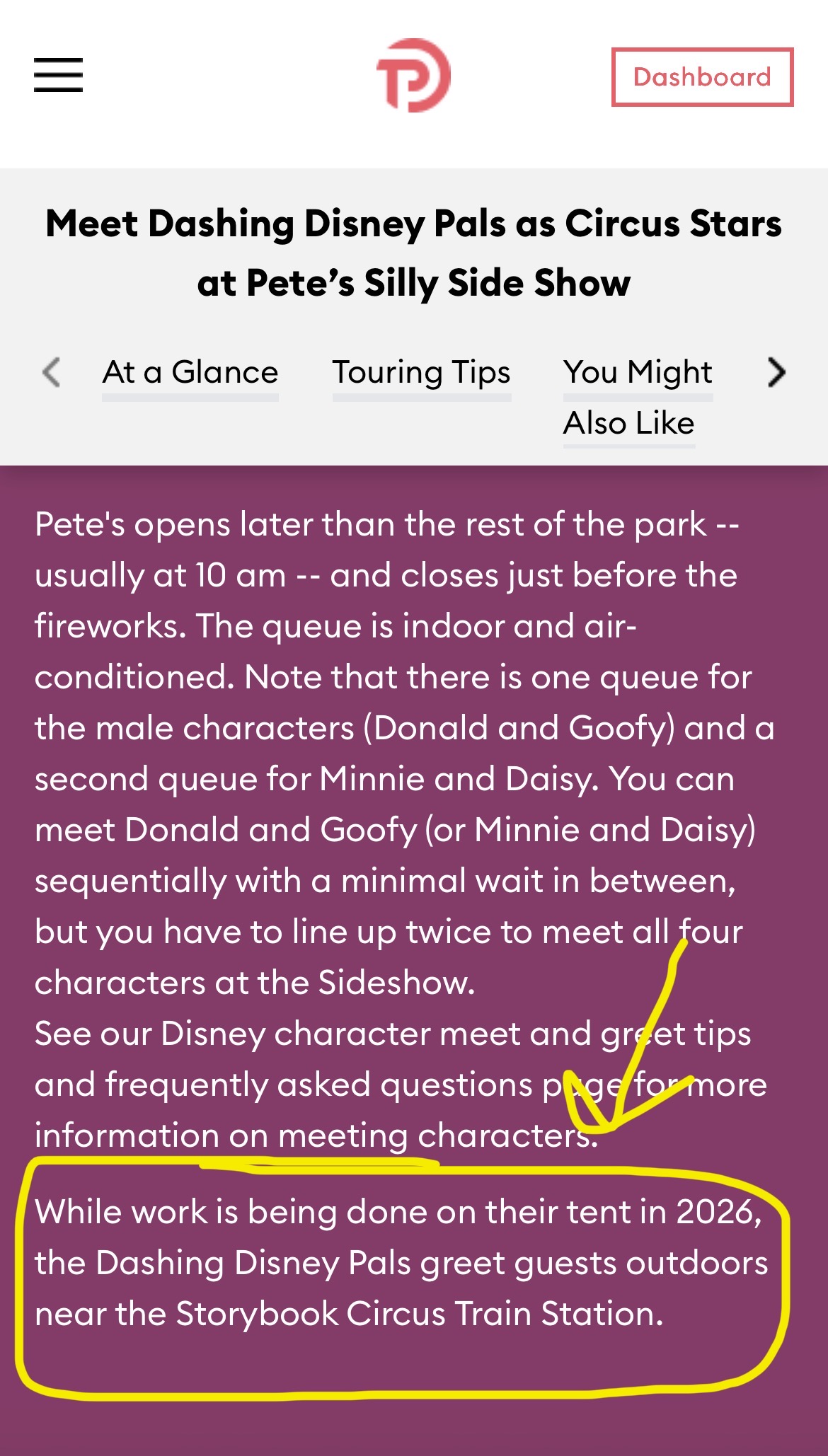
Can anyone that has been there recently confirm this? With Pete’s Sideshow closed TP is saying there is still a meet and greet for the characters. However when I go on to MDE and look for characters they don’t show up. Anyone know if they’re actually there?
There are character meets - someone recently met Goofy and shared it in a trip report. I can’t remember who that was…
I can’t remember either who it was but it was in early March and they had seen three of the four characters that usually met at Pete’s. They found them at Storybook Circus I think after 10am.
Found it! It was @raina_murdock. It was a really awesome turn of events to get the pics.