(2) HS with LLMP under the theory of getting 2 rides for a little more than I was paying for 1 ride.
There isn’t a right or wrong to this and I would consider both options for another trip, but having experienced both I would say:
(A) getting LLMP with LLPP reduces the “have a care free day” benefit of LLPP because I found myself back on my phone; and
(B) Due to running out of time in the day, we only ended up doing a second LL on SDD, TSM and A2S so we skipped the additional LLs for MMRR, ToT and RnRc that I spent time on my phone trying to secure. Essentially, we paid the LLMP price for an extra LL on each TSL ride (which to some people might be worth the cost of LLMP when already purchasing LLPP).
Please remind me on this. Friend has upcoming resort stay at GF. First parks day/ticket is day one of GF. He also booked a burner campsite for the 3 days prior to GF. He’s ok paying for the campsite without using it. Will his LL window open 7 days prior to the GF or campsite reservation?
I know you are getting Premier Pass for HS, but I just wanted to comment on this process, I also make multiple TPs and often evaluate instead of optimize (because I want to walk efficiently!).
My recommendation is to do the evaluate, and then enable LLMP and manually set ideal LLMP times starting with the longest wait (I usually do 1-2 at a time because adding LLMP for one will change target times for others). In the end, I might have 5 LLMP target times - which gives me an idea what to pre-book and what to get after.
So if Space Mountain is 50 minutes at 12:30 in the plan, add a LLMP for it for something like 12-1 (just need a general range) and re-evaluate. After that. Buzz might move to 12:45, so then add an LLMP for Buzz for 12:30-1, etc. You can replace the LLs with the actual times later when you get them (even day of).
Advanced notes: Keep in mind the 119 minute grace period and drop timing (which you can see in the drop thread or BG1), plus updating LLs day of once tiers go away after you tap into the first LL (so you usually want one ASAP).
I don’t find the LLMP recommendations to be great with optimize (I know they’re working on it for the future).
We’re going to buy LLMP for one day in late June, with the on-property 7-day window.
On the lightning lane day we’ll be briefly at Animal Kingdom that morning just to ride Everest and use a single-pass for Flight of Passage, then over to DHS for the rest of the day. I don’t expect we’ll actually need multipass in AK.
I haven’t used LL in a little while, and catching up on ways to optimize. Which plan would you go with?
1: Buy Multipass for AK. Book Everest. Tap into Everest, then modify all reservations to DHS rides.
2: Buy Multipass for DHS, book things at purchase and hope the times we get aren’t before we can be at DHS.
I think this is your best bet. This way you have 3 things locked in before you even get there. You can choose the times so that they will be around when you arrive. Don’t forget the extended grace period and you could try zombie stacking one or two as well.
The AK option will save you money, so depending on the size of your party may be a good deal.
But if you’re not too concerned about the cost, I agree with @melcort10 that I’d prefer to walk into DHS holding my morning LLs. Especially on anything other than a low crowd level day (which are pretty few and far between at DHS).
I haven’t looked at MDE in a long time and just went in to check it out to prep for bookings. I don’t see a tip board? Is this no more? How do you pin rides? What’s the fastest way to book then? Purchase and then just go to selections?
There is still a menu item " “Wait Times & Showtimes” which is essentially the tip board. Go to the Hamburger menu in the lower right corner of the app and click Wait Times & Showtimes under the “My Visit” header. You can Change Park and filter the list by “Show Only Lightning Lane Experiences” but I don’t see an option for selecting your favorites, like Genie used to do. My understanding is that the Genie tool has been left to rot.
Edit: There is a way to still access Genie.
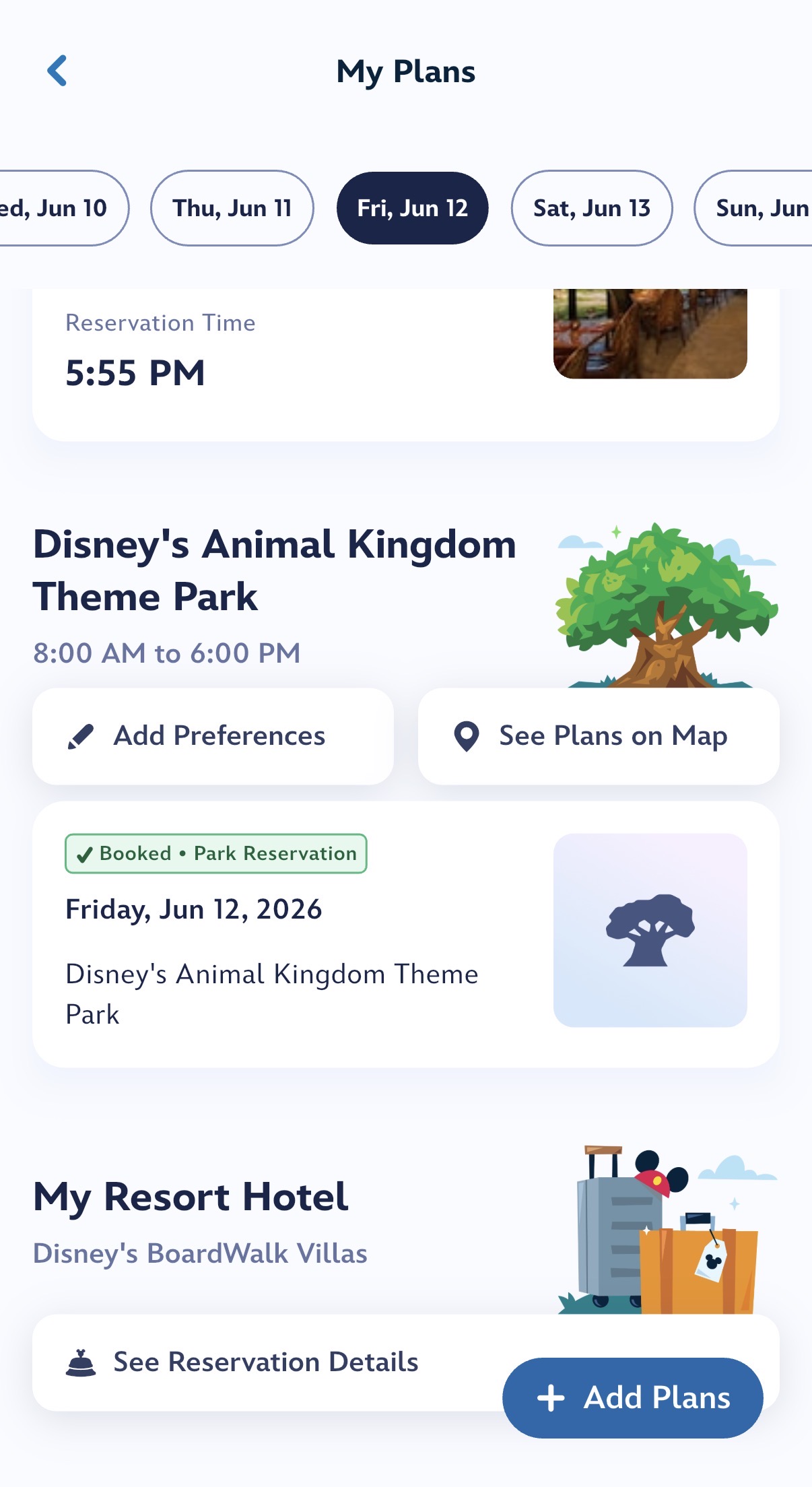
In the hamburger menu, select My Plans. Then find the day you want to plan. Then under your park reservation, select “Add Preferences.” This may not be possible if you don’t have a ticket that supports park reservations. Not sure how that works.
Thanks! I dot see a preferences option. When I go my plans I only see my resort. Should I see tickets or anything? Just want to make sure it’s probably linked as it wasn’t for dining.
I see that but when I try to follow the “add preference “ link, it crashes MDE. I have completely shut down my iPad to see if it is me, and it is still happening. I will try my iPhone.
I see a park reservation because I have an AP. If you have a different ticket type I doubt you’d see anything.
I’m guessing they are leaving Genie to rot, as I mentioned before. It may technically still function under some circumstances but if they’re not supporting it, it will be super glitchy if it works at all.
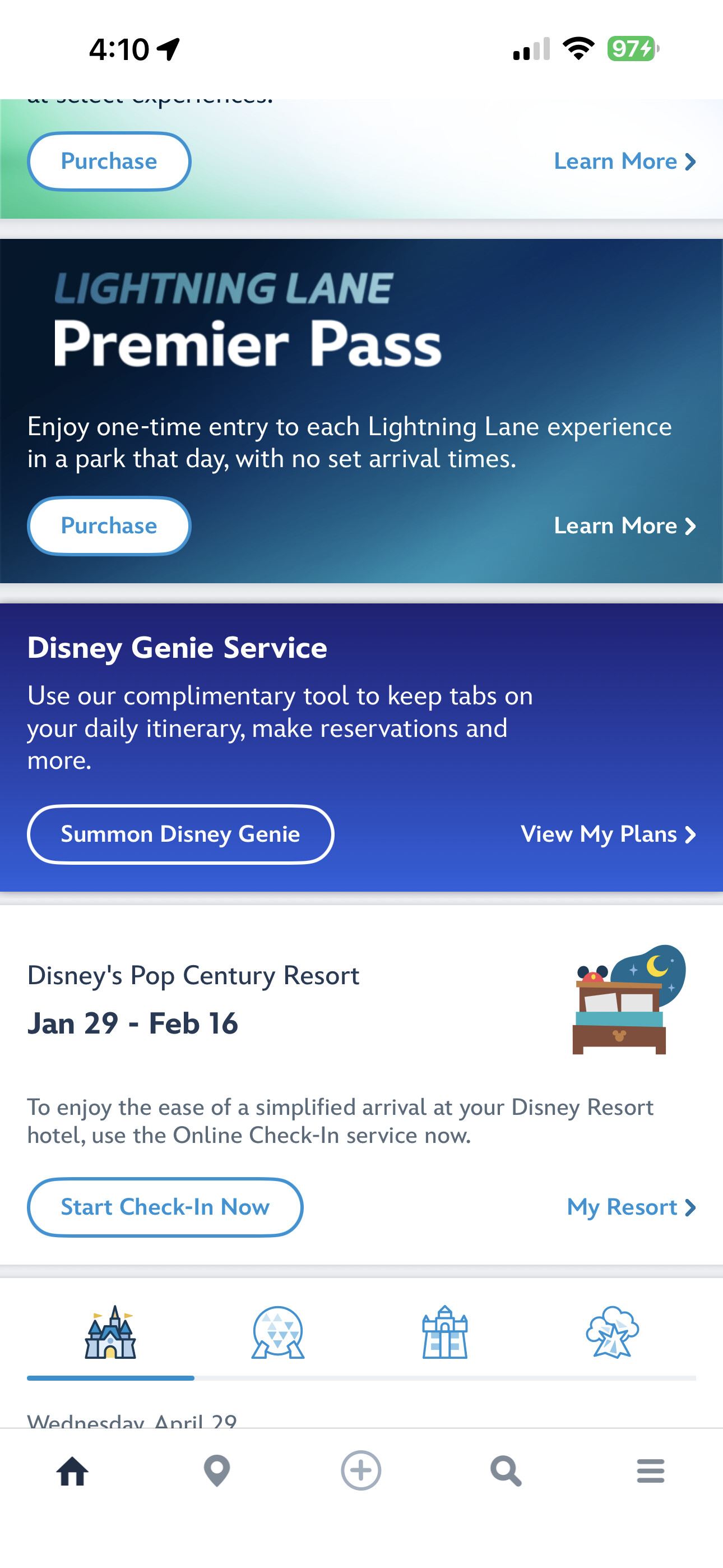
Go to the home page. Just below Premier Passes is a royal blue box with a small box “Summon Disney Genie”. If you click on that, then Start Now, you are exactly where the old Genie took you.
Select a date from your ticket days and select park. Press Continue. Confirm your party. Select your top picks
When using MDE to book LL, your top picks will appear on top. You can edit to change selections.