When there was only the old site, when I clicked from here for “My Dashboard”, it took me to my dashboard. And I couldn’t work out how to get to the blogs or anything without typing in “touringplans.com”. The problem is when I type in “Touring” I get the forum link option as a default, so I usually end up back on the forum - until I realise what’s happened and pay attention!
Yesterday I clicked on “My Dashboard” and it took me to the home page of the new site, and from there I could go to my Dashboard.
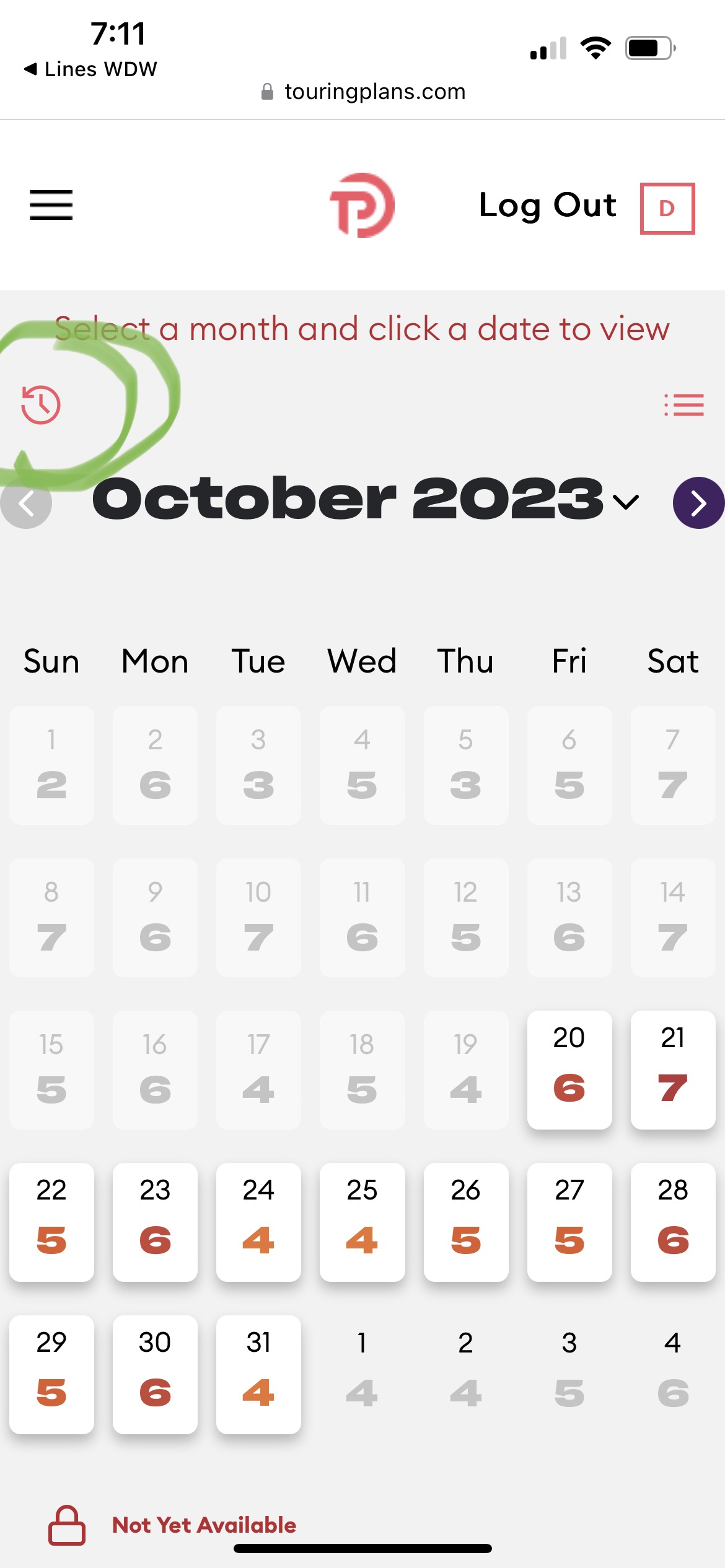
Do you know where to find historical crowds? ***. Disregard I found it! I liked it better when I could see the entire month at a glance. It was easier to look at trends that way. Bummer.
Agreed. I actually dislike the list view a lot. It isn’t clear to me why there is a month view for upcoming crowds, but not for historical. In fact, why aren’t they just the same thing? Just make it clear which days are historical by maybe having a subtle X, or different color background or something, but still able to see the dates and tap on the day. The fact that they are two separate things never made sense to me, even on the old interface.
What is the little D in the square supposed to mean next to “Log Out”? (I don’t want to tap it…maybe it will just log me out though?)
Also, when you click on an individual date to see the crowds for each of the parks, it says on the bottom to swipe left and right to see adjacent dates. Which works…kind of. I swipe, and at first it looks like nothing happens. I don’t even see evidence that my swipe did anything. But then, after a couple seconds, it changes.
I kind of think if the swipe isn’t going to SHOW the swipe being animated, that instead it just use use tappable arrows to change dates.
ETA: When I use the same page on a web browser, the swipe left/right doesn’t make sense. It is awkward trying to “swipe” using my mouse. All the more reason to make it tappable.
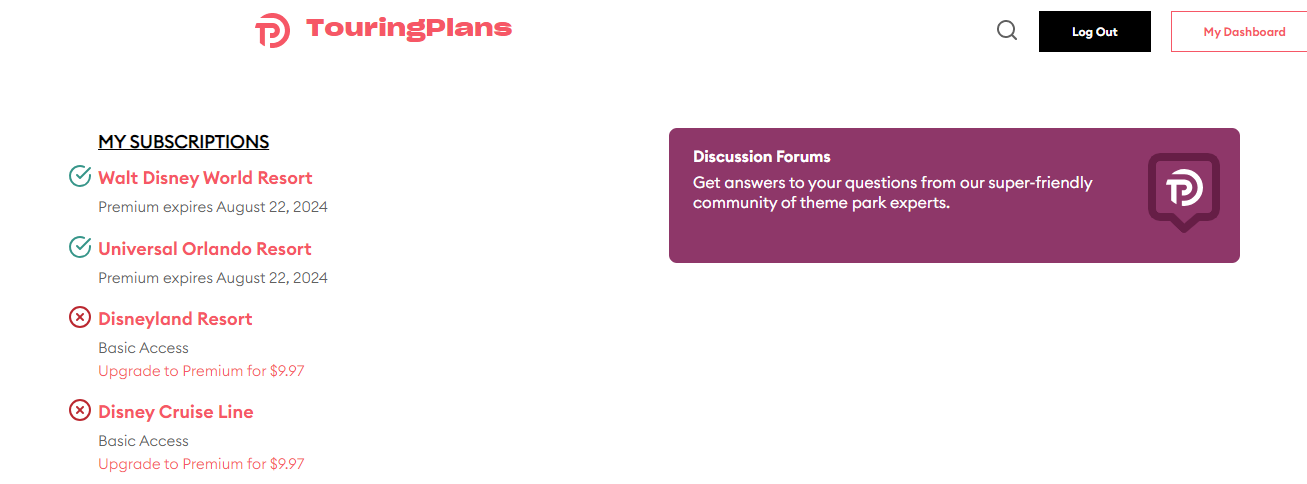
I can’t find the forum on my PC laptop! I just logged in to TP on my laptop, and got the updated homepage. I can’t find a link to the forum. Doing a search for it didn’t help. Thank goodness I can use Lines on my Android phone to get to the forum. But I want to use my laptop for the forum.
Same thing just happened to me - I wasn’t able to find a link to the forums on the new webpage this morning. I was able to type “forum” into the search feature, and found a link there which brought me to the forums page. Frustrating!!!
Perhaps…but there is a list view of both. So…why not just include the historical data on the calendar instead of making it two different places (essentially) in two different formats?
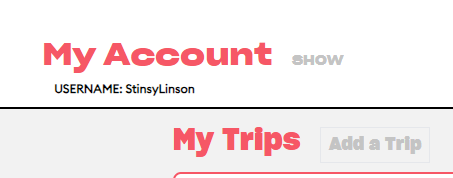
Wow. Never would have found it there. I didn’t even know why the word Show was there. It seemed rather random. (Also, it is gray, so thought it wasn’t something you click on.)
My initial reaction was, “Hunh??” But then I explored a bit before I finally figured out the multiple steps needed to get there. Not good design!! But maybe they’re trying to shield it from non-members by burying it deeper?
On homepage (after logging in)
Click “My Dashboard”
On that page, near “My Account” click “Show”
On that page, click anywhere in that purple box.
I was hoping it would be a link found on the homepage Not three steps later.
This definitely has the same issue that my work’s recently redone site has - to be mobile friendly makes it very computer unfriendly. The huge blocks you have to scroll through are but again - I get that complaint about the work website and I know it is a function of making these sites mobile first.
One thing I miss - on the crowd calendar for a planned trip - I really like that you can see the crowds for each park all in one place, but I miss being able to select which park I plan on being in that day. I use this to help me remember my plans, so it would be nice to have that option again.





 but again - I get that complaint about the work website and I know it is a function of making these sites mobile first.