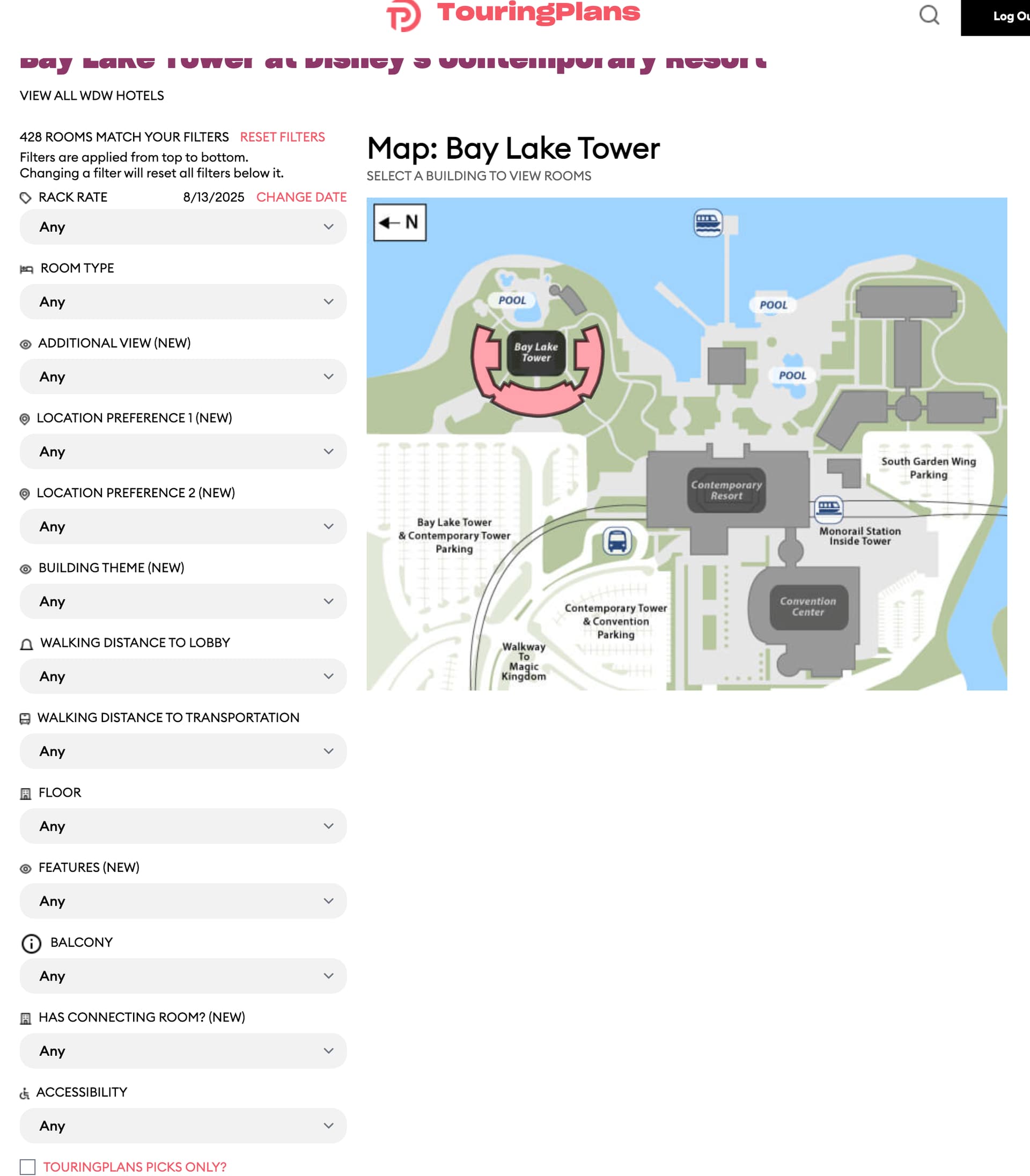
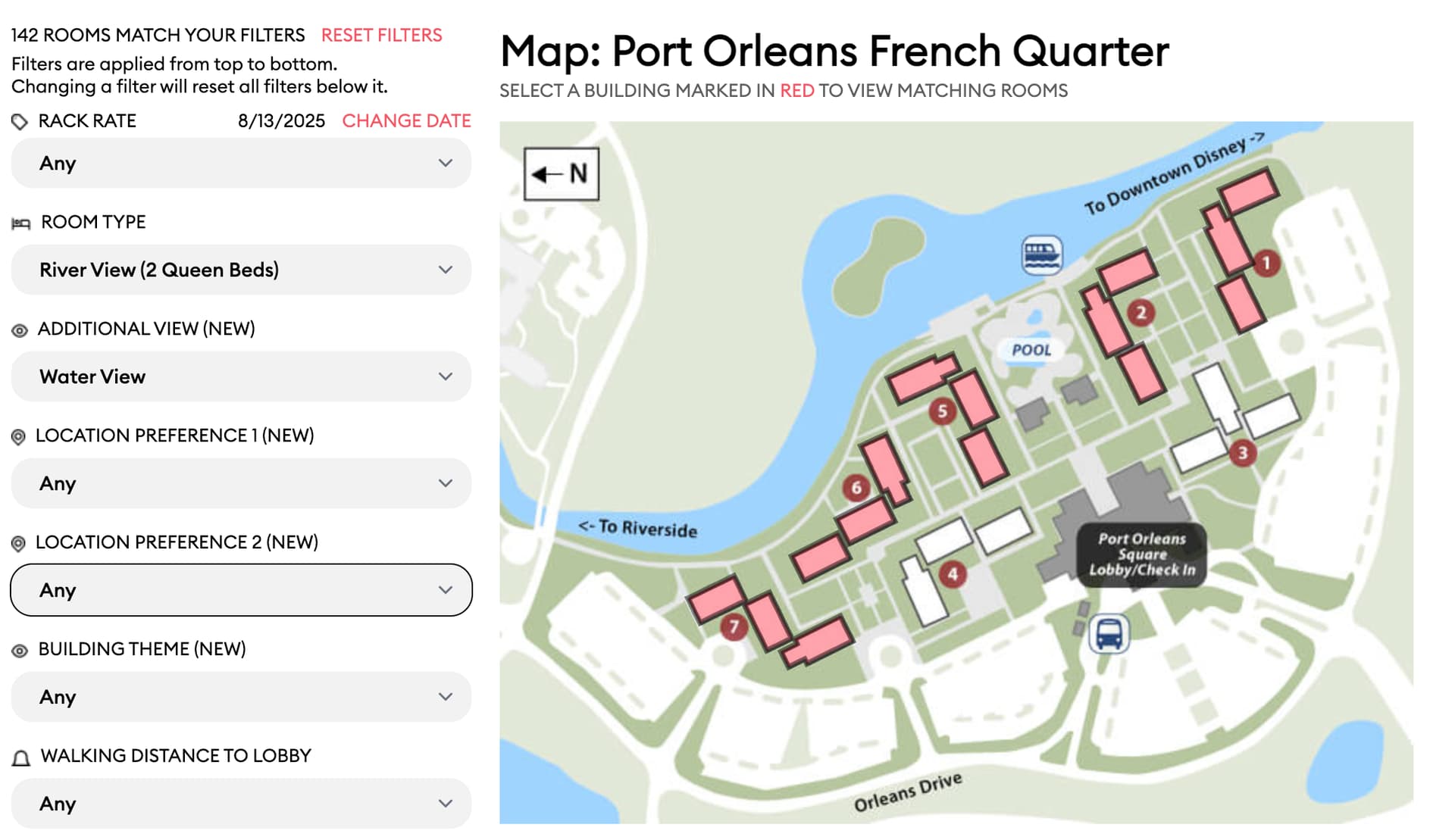
I’ll admit, since the text was small, it felt more like a footnote and I didn’t read it. Even so, I wasn’t sure what it meant to apply filters “top down” (I do now that you explained it)…although the second sentence does make it clearer (if I had read it!).
One possibility is that if you make a filter selection that resets other filters, to pop-up a message warning the user of this so that they don’t do it inadvertently and lose their prior selections. “Changing room type now will clear the following filters: Floor, Walking Distance. Do you wish to proceed?” Or something like that. Maybe?
I assumed you were going to each and every room on Disney property and timing how long it takes you to walk to Transportation and the Lobby. I’m disappointed that isn’t the case!
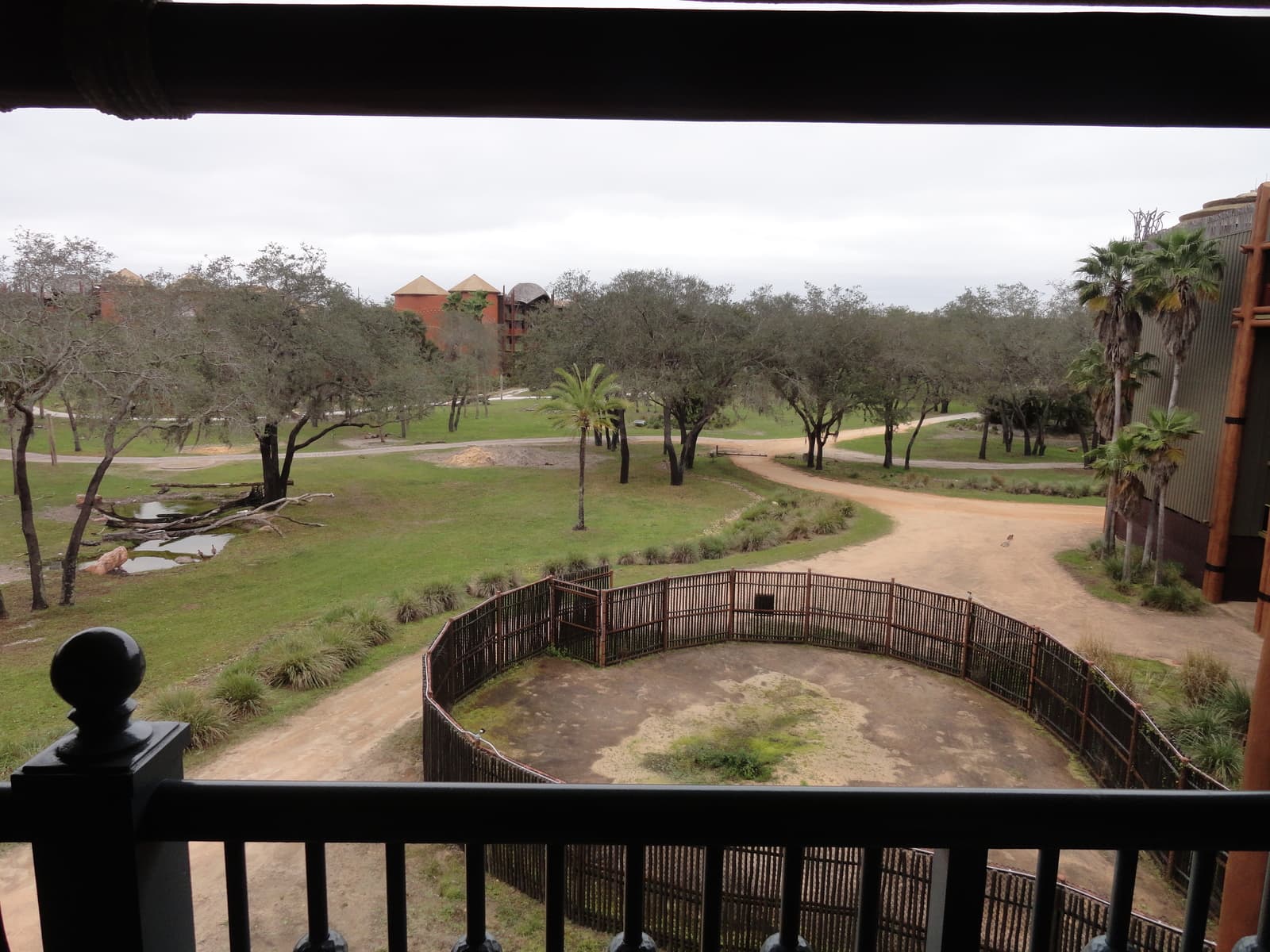
Those look pretty close to the same to me. It’s like the two people who took those photos were standing in almost exactly the same spot.
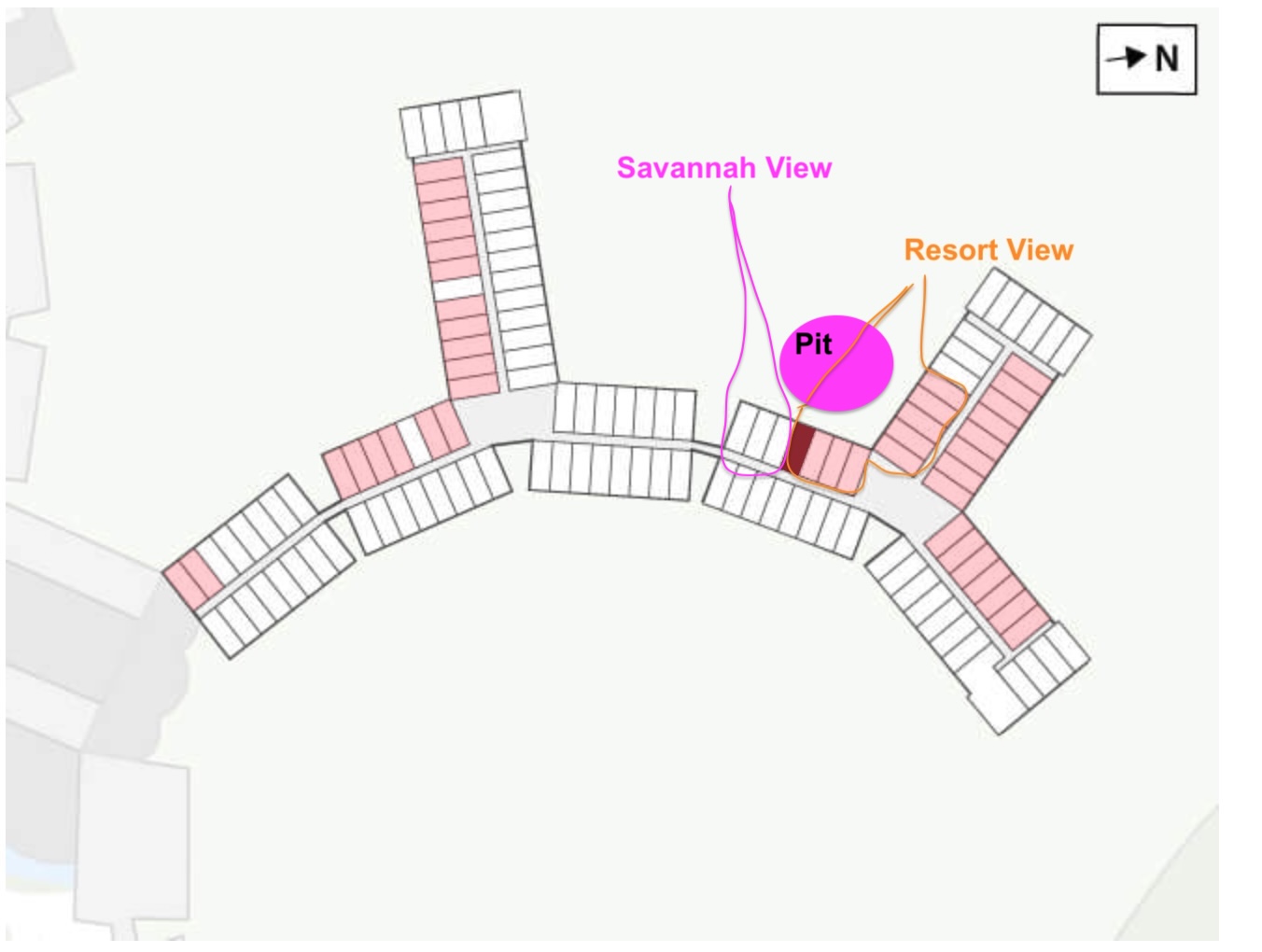
I’m not sure how to explain the Savannah View vs Resort View here. It’s a judgement call on Disney’s part.
I think this goes back to the reason why we have the room finder - so you can see these kinds of edge cases in cost and have that research pay off in better view-per-dollar.
Then the only option available for some other filters are “Any”.
I might be able to hide any filter that only has the “Any” choice. That would make the overall size of the filters smaller and be clearer. Let me know what you think about that idea.
I love this, personally. Because I can’t tell you how many times I’ve gone to filter a category, only to be told there is nothing to filter!!!
I can see the counter-argument…that is, what if you didn’t even know there was a way to filter on one of those categories before you selected something else? That’s where fitting as many of the filters on the screen as possible in the most-used order makes the most sense. But, I would prefer not to even see the filter option if there is nothing for me to filter on!