I’m able to reproduce this. Nice catch. Working on it now.
1 Like
I like this. If there isn’t an option for me to choose, it shouldn’t be offered to me.
2 Likes
Good one dad.
I’m apparently quickly approaching small folk parameters. 
1 Like
Good point. There’s a chance that someone would ask “Why is this filter not shown in situation X but is shown in situation Y.” I think I could live with that though.
2 Likes
It would probably only be @ryan1 and we can just refer him back to this discussion 
4 Likes
I should be offended…but…you are probably right. 

- Choose Yacht Club
- Set Date = 12/7/25
- Set Room Type = Water View (2 Queens + 1 Daybed)
At this point filter Balcony has 2 choices and is displaying Any
- Modify Room Type = Commodore VP Suite
Now Balcony only has one choice (Any), it would become hidden and the list of active filters would be compressed in length?
Instead of hiding an inactive filter (only 1 choice available) how about showing a breadcrumb list of the currently applied filters. If a user is questioning why a filter is not being applied they can click on the filter and see there is only 1 choice available.
2 Likes
I skipped that too.
1 Like
Since I’m on a Yacht Club / Balcony kick, I thought it was an odd filter for Yacht club.
If I set filter Balcony = Balcony the result is 15 total rooms, again odd.
If I look at the details for 1 of these 15 rooms, Balcony is not a listed attribute. If I look at exterior photos, these rooms look similar to their adjacent rooms. If I chase through the details for all 15 rooms I see that all of them have accessibly features. Is Balcony mislabled or misrepresented here?
4 Likes
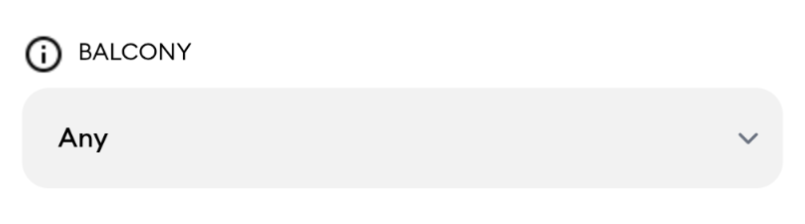
Finally off work. I wouldn’t want to mess up the aesthetic to much. Oddly, a solution might be to add the inadvertent balcony alert symbol in from of the notice. This would give a little “look at me” but not add a 90s Geocities mix of fonts and colors. I’m added the balcony image I posted previously for reference.
1 Like
Well… I believe that there actually are a fair number of YC rooms that don’t have a balcony or maybe only a tiny one
But this is saying only 15 rooms have a balcony (discounting the fact that 1st floor
has a patio)
1 Like
What an interesting issue! Fixed on my local machine and will get it out in the next release. Thank you!
2 Likes
Oh I assumed you had other filters
Reading comprehension grade for the day: D
2 Likes
Gah! I saw that and now I can’t unsee it. I’m going to see if I can scale that down. If not I’m going to change it.
3 Likes
I kept tapping it on my phone thinking it would give me some kind of informational pop-up. (Insert Morgan Freeman voiceover) It did not give him an informational pop-up (end Morgan Freeman voiceover)
6 Likes
I do see in smaller print that it says, “No rooms matching these filters are also TouringPlans Picks - other options are shown below”, but it isn’t very noticeable because the “other options” draw the eye. Is it possible to make that statement a bit more pronounced or hide the “other options” in a collapsed accordion?
Great job!
I remember the request choose accessibility option early on in the conversation about it. I also remember that nobody uses the rack rate, which is still there on the top. I don’t remember an actual vote, but maybe I missed it. Odds are that once a person has chosen accessible, they aren’t going to turn it back off. I hope you’ll consider that in another revision later on.
I see that you made the font size smaller, which does help a lot. Thank you.
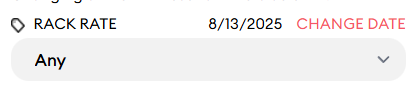
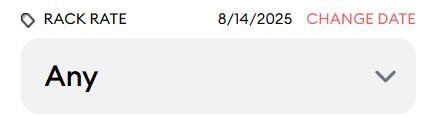
Now I saw something really weird. If you change your date, the first dropdown suddenly changes size.
Before date change:
After date change:
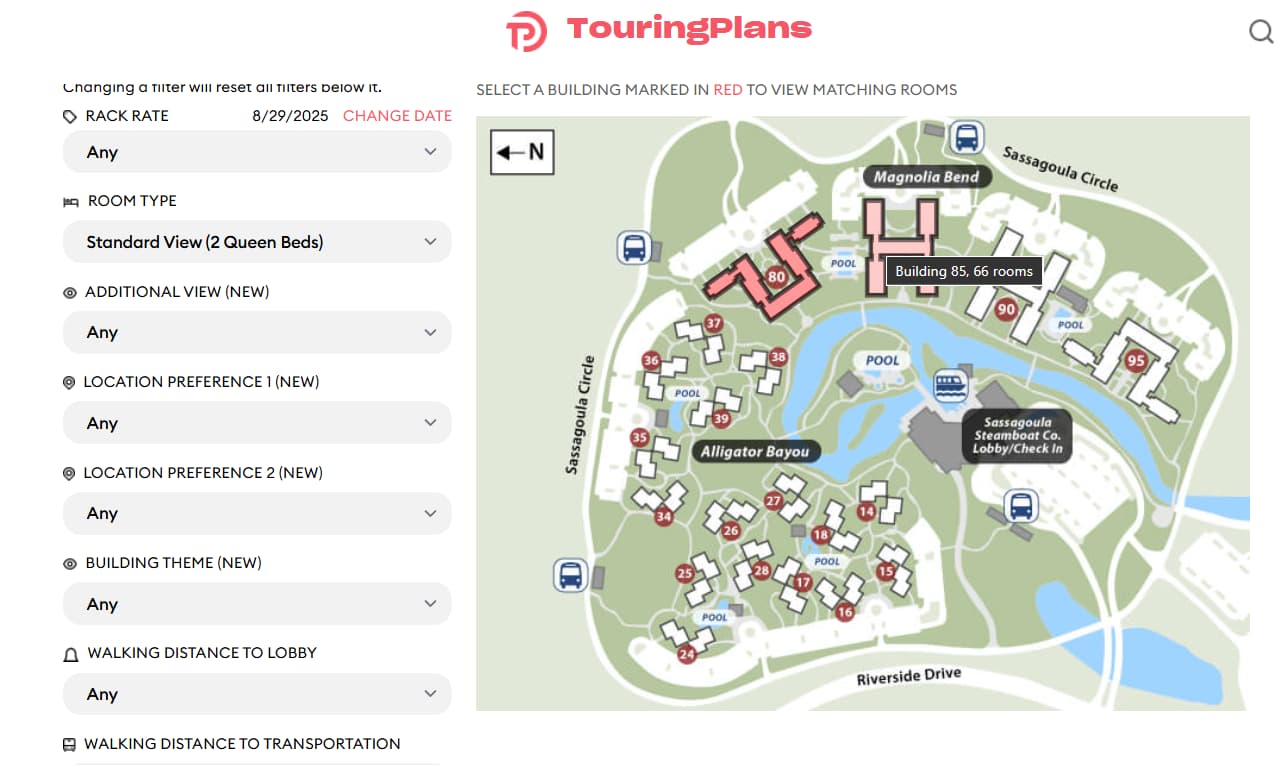
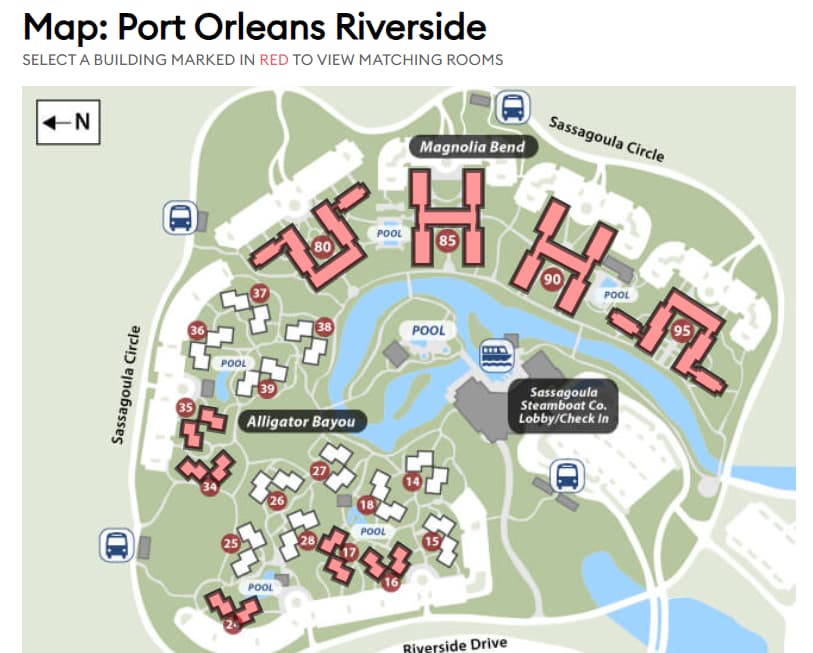
Another thing I just noticed was that if you choose a Not Accessible room, the room count suddenly drops to just two buildings:
With “Not Accessible” chosen
With “Any” chosen
1 Like
Gah. OK, I know what that is with the font size. Sorry about that.
3 Likes