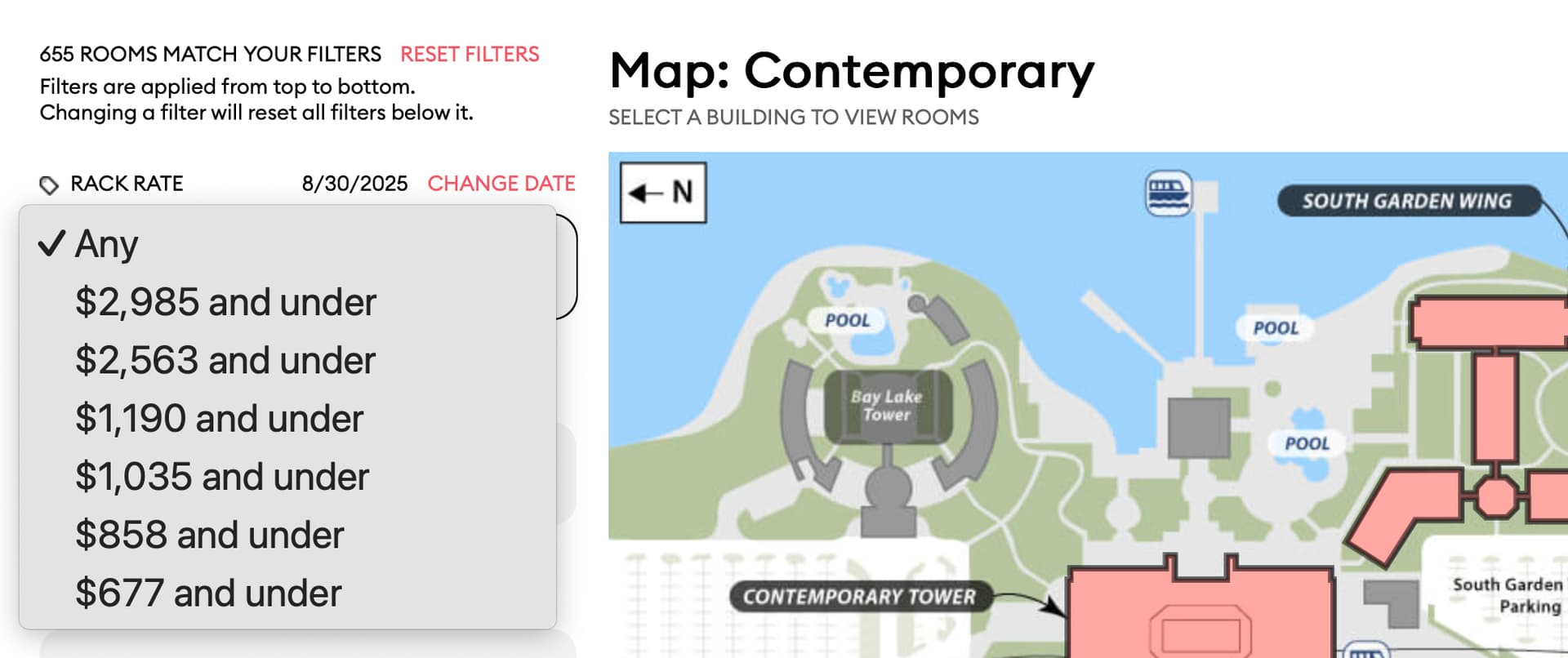
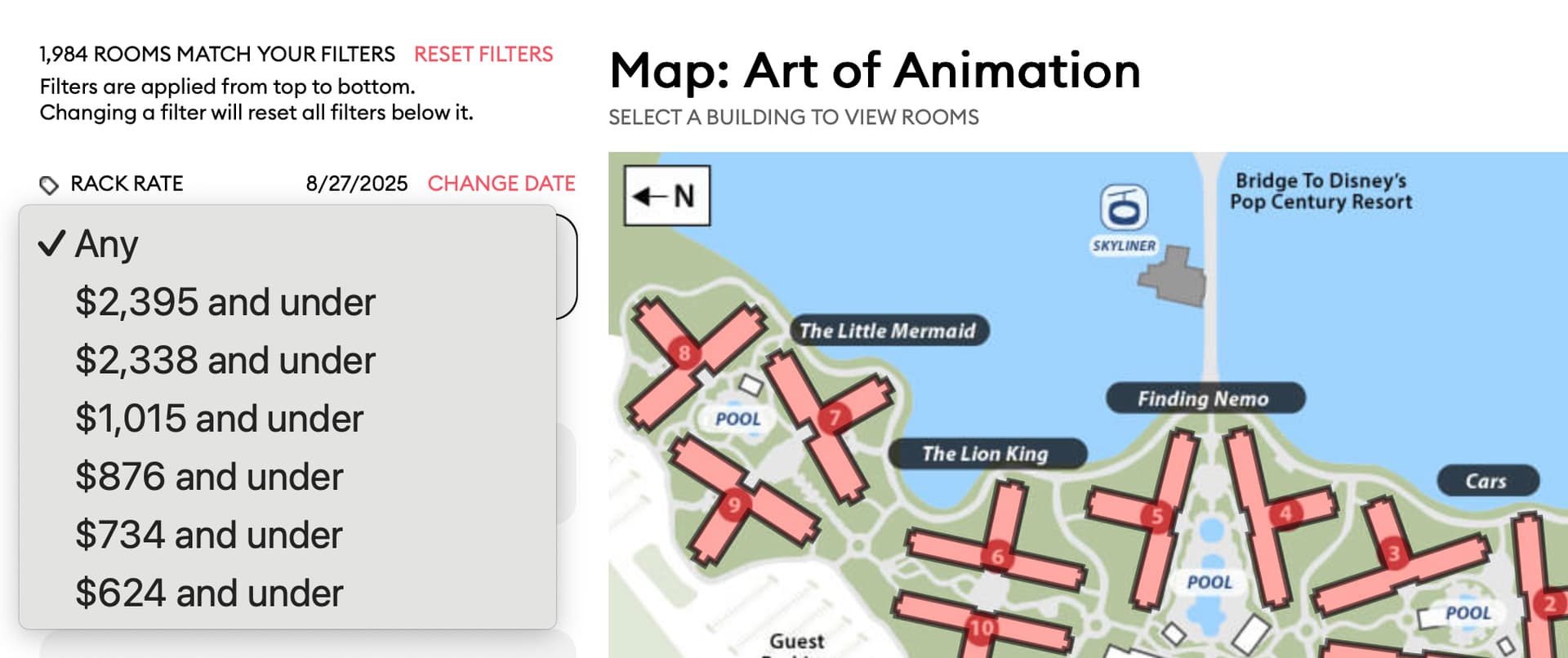
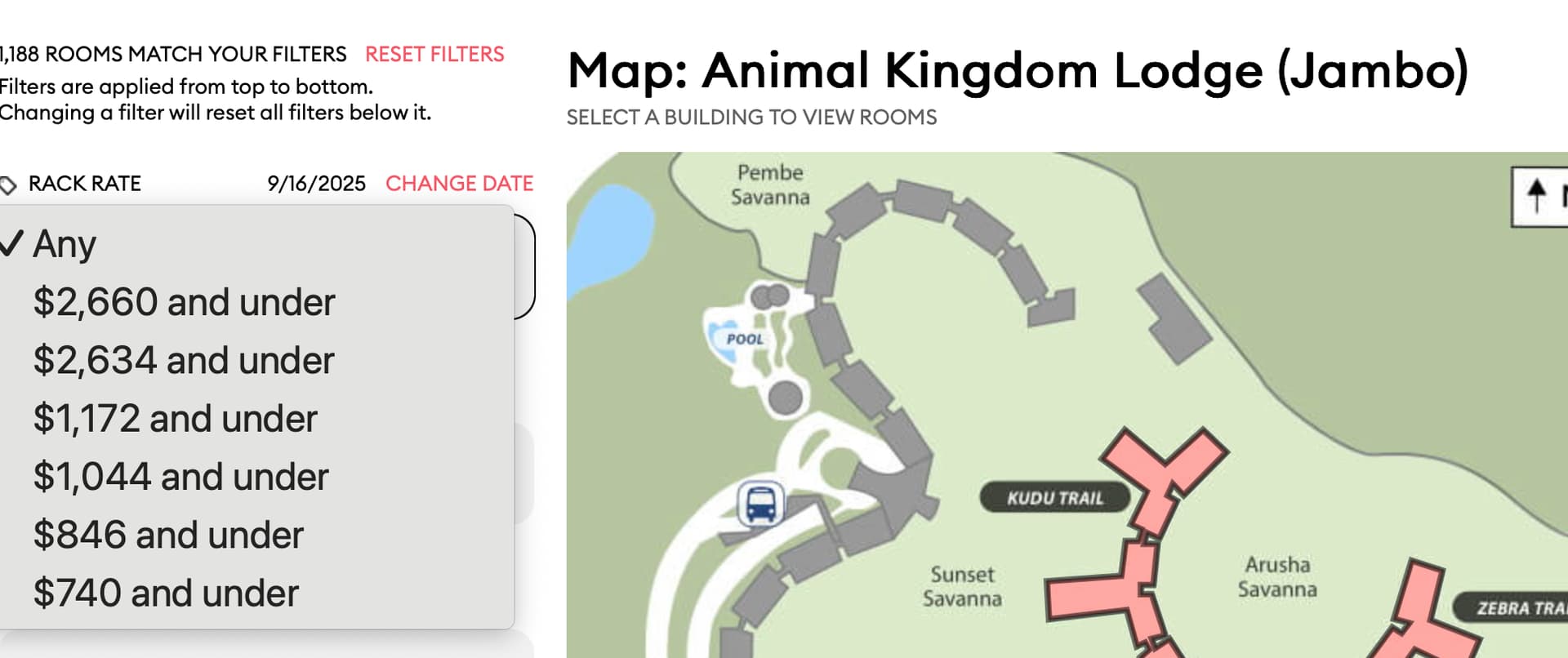
Hmmm, do I want a room at Pop for $2949/nt orrrrrr a Bungalow?
I’ll take the Pop room. I know a guy who’s doing this Bungalow Bash thing; I’ll catch that room then 
Hmmm, do I want a room at Pop for $2949/nt orrrrrr a Bungalow?
I’ll take the Pop room. I know a guy who’s doing this Bungalow Bash thing; I’ll catch that room then
actually, the price “glitch” seems to happen on a other hotels too.
I only tried a few, But they all had some weirdness when it came to the price.
PORFQ:
Contemporary:
AOA:
Boma…er I mean Jambo House
Wow, that is very generous. Thank you!!
I just tested to look around for a room over our November trip. Just playing.
I chose AoA.
Location 1: near bus stop
Building: Little Mermaid
Floor: lower floor
It gave one room - 7655 on floor 2
Maybe a glitch? Maybe I did something wrong?
Edit - I played some more, and second attempt it gave me 3rd floor, last attempt it gave me all lower floor options.
AKL, BCR
If I choose a room and navigate to the room(s) next door, then click Back to “building” rather than “back to Jambo” it takes me back to Jambo, not the building I was looking at.
BCR
Room Type - Resort View (2 queens)
Walking Distance to Lobby - 3 minutes or less
Click Room 1635 (1633 and 1631) also show as results
The view show N/A for rooms next door (when 1633 and 1631 should be there)
BCR
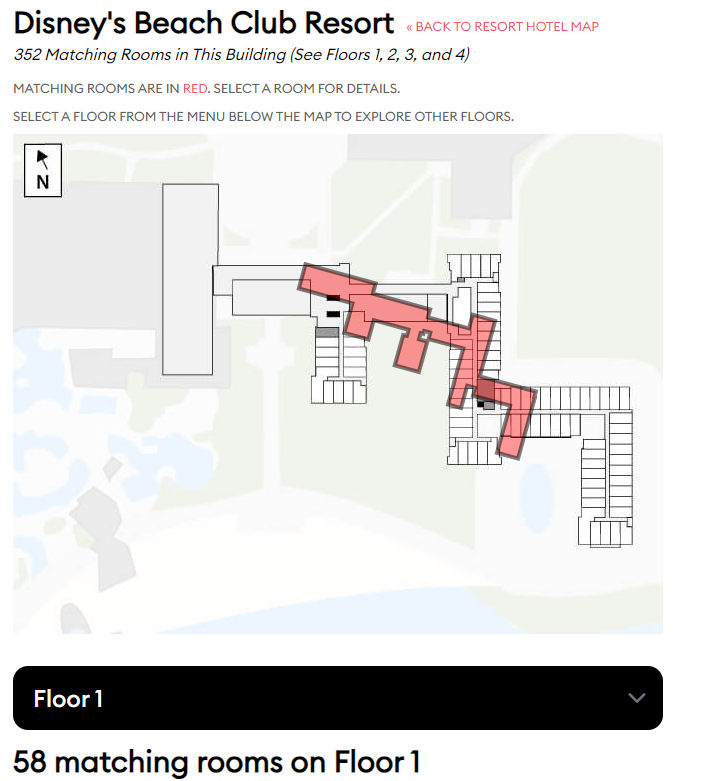
Clicked the Back Button (rather than Back to Resort Map or View All WDW Hotels) and got this image
Whoa
Looks like BCR was hitting the bottle a little hard last night!
Question not related to the new room finder – Is there a reason when clicking on a building that the building map doesn’t populate as the “North is Up” the same as the resort map does?
That’s one of the errors I was looking for. Thanks!
Picking up this morning with @ryan1’s posts. Good morning all of you!
I should have brought this up when you originally asked for Filters we’d like to have, but I often find myself looking for rooms that face a specific direction, i.e., East facing so I get the morning sun.
Good question!
There are many hotels with “Resort View” as the booking category for which Disney (internally) knows what the specific room actually sees. The Additional View dropdown lists those options.
As an example at the Poly Village, Disney knows “Resort View” rooms actually look at these things:
It may not be useful when there’s just one option, as in here. But I’d rather show the one option than hide the dropdown and have people ask why it’s not there.
Ooooooh. That’s interesting. I understand that appeal, especially for rooms with balconies.
I don’t want to add it to this release, since we’re in testing. I will add it to our to-do list for the next revision.
Also @ryan1 your subscriptions have been extended through the end of the decade. Thanks again!
I see. Hmm. I suppose if there was more than one option, it wouldn’t be confusing to me. With only a single option, it felt redundant. Thanks for the explanation.
Speaking along these lines, a general suggestion would be (if it isn’t already…which I don’t THINK it is) is that if selecting other filters eliminates all the choices from another filter…to gray out the other filter so that making a selection isn’t even allowed. It would make a clear that previous filter selections make a choice there irrelevant.
And…jumping back to the Skybridge bug I reported. Today, I was playing around with it…and it appears that the issue with the Skybridge happens when you select it for Location preference 1…but if you select it for location preference 2, it seems to work correctly.
Ok, new thought on this. Maybe add that as a theme? Like Alligator and Magnolia at Riverside? Gives the option but doesn’t clutter up the room type list more than it already is.
@ryan1 I see the issue here. There should be four Deluxe Studio - Resort View rooms with “Near Elevator” and “Higher Floor”. For some reason I loaded them as “Lower Floor.”
The four rooms are: 7406, 7414, 7506, 7514.
This is a different part of the code to fix and will require a re-load of the database. Should be able to get to it tonight. Thanks for finding this! It’s the first data issue we’ve seen.
Having another try with POFQ as I was on my phone yesterday. Now on laptop.
I picked garden view 2 queens room.
Additional view garden view.
Walking distance to lobby - within 3 mins
Walking distance to transport - within 7 mins - this swapped everything before back to Any, and I couldn’t select anything else without resetting the filters with the button at the top.
I just tested Pop Century. I searched for a standard queen room, 3 minutes to transportation, to see if it would show the rooms on the back side of building 4, close to the skyliner. Results showed only buildings 3 and 6 with this search.