it’s gorge! what are you talking about?!  It’s exactly what one thinks when they think “Disney Room With A View”
4 Likes
Thanks for that! Not expected, or needed. I know this whole site is a huge work to tackle, but to add in all the options and details that you and the team strive for is amazing work and I’m extremely appreciative of that.
4 Likes
I almost joked earlier that every view above the first floor at Pop should be labeled as “Handrail view”.
5 Likes
Thanks Len, that’s very generous. Happy if it’s useful, and excited to use the new release!
3 Likes
This should be fixed in the next release. Great catch.
1 Like
I hope you had a good mini-vacay!
1 Like
Praise the LORD. This was driving me nuts on my last use of the Room Finder. I’m trying out the new version now and the “return to building” is a huge help. I also note that now, when we go “back to resort”, our search selections hold and we don’t have to start over from scratch. BIG help. I was very frustrated with that last week.
Here are some bits of feedback I have. I don’t think it’s super straightforward how to get to the Room Finder.
-
More obvious button labeled “Room Finder” (not just a hyperlink text)
-
Change “Deluxe Villa” to “DVC Deluxe Villa” on the category header tabs
-
Consider making one long list of hyperlink hotel titles, with category headers. This part takes too much time to look over and move through.
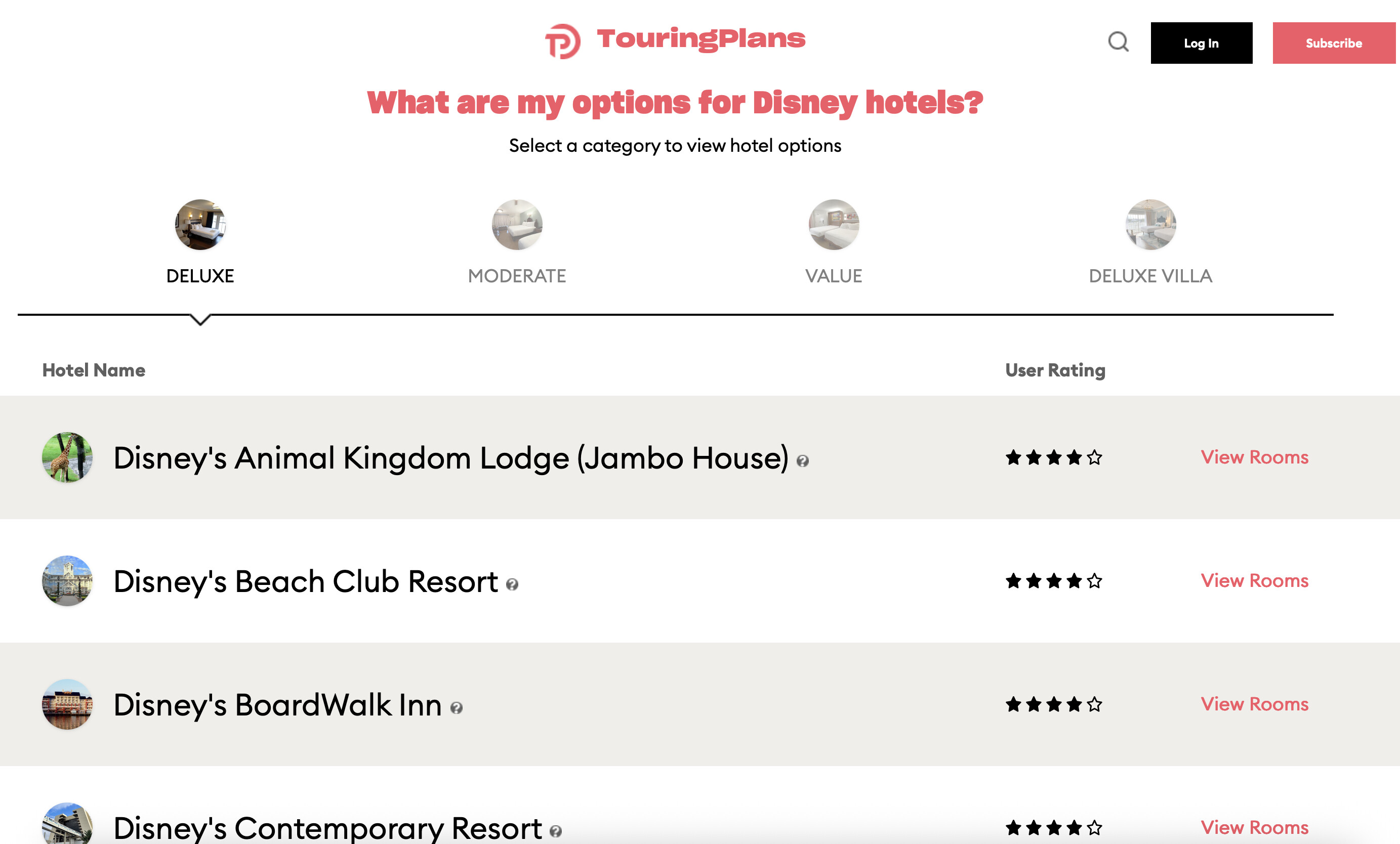
In fact I think all the sections are too big on that page. There are too many photos in the middle section to appreciate any of them. One good one would be better than 20 different ones.
I know you’re only really asking about the filtering/search functions but I wonder if people who aren’t Touring Plans loyalists like us can really understand the value and usage of the Room Finder feature when they reach this page. It would make more sense to me to have this page just explain what the Room Finder is, then a single button to get to the map, and have each resort be a drop-down option in the first drop-down on the search/filter list.
ETA: I am viewing on Safari on a laptop (not mobile)
3 Likes
InshaAllah, brother! Thank you for this. 
3 Likes
I still can’t make this happen in Chrome. It may be fixed in something I’ve done locally and not yet been pushed to the test server. I’m going to continue to play around with it in other browsers.
Thanks for your patience with this.
2 Likes
This is part of Disney’s backside of whatever blocks your view campaign. It is a feature and you should be happy to pay extra for it.
5 Likes
Fort wilderness is buggy overall.
The whole map stays lit up as matching my criteria no matter what options I put in
And after I select “1-bedroom cabin” as a room type, it still gives me the option to select “campsite” or “cabin” under “building theme”
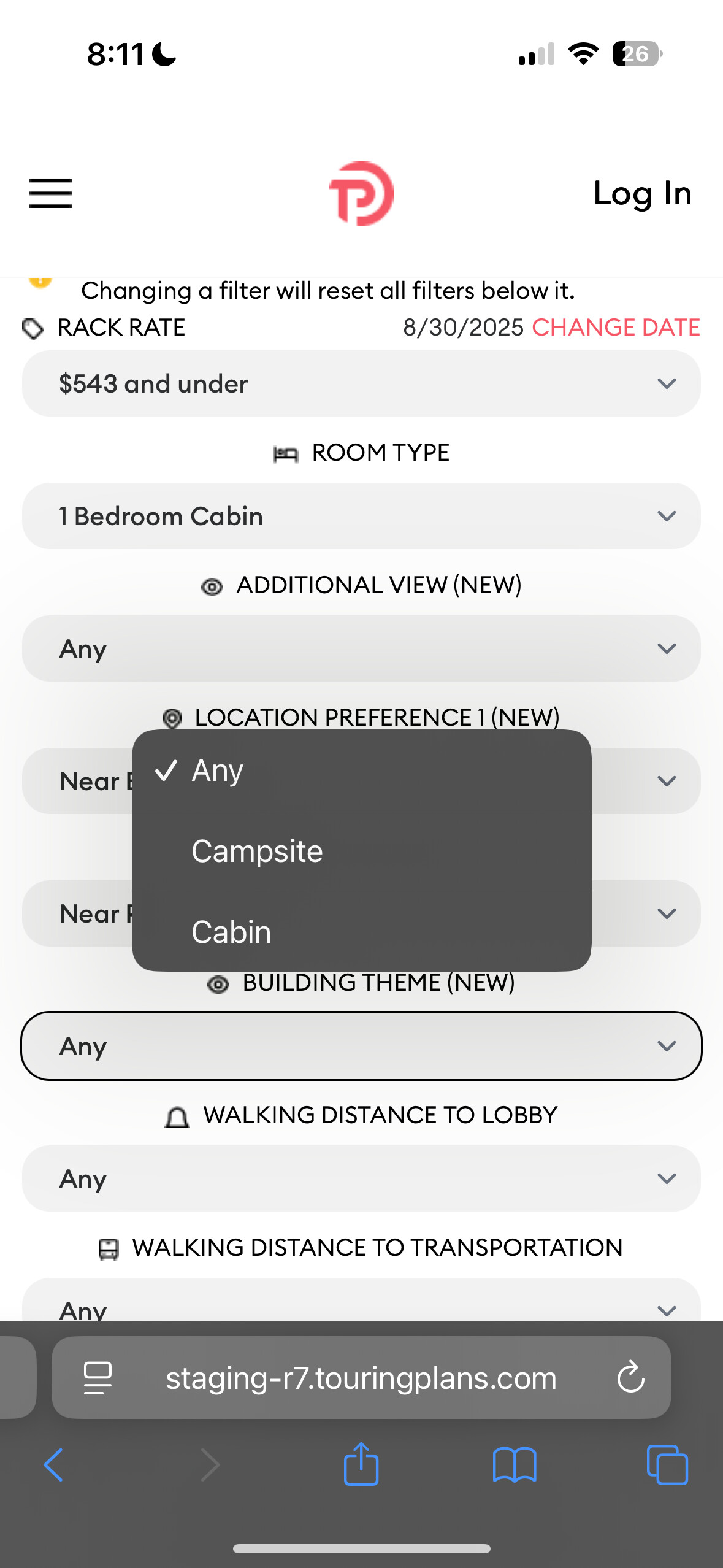
I can select “$146 and under” for rack rate and still have a full selection under “room type” (including one bedroom cabin)
Good catch @Broph1988! I will work on that next week. I don’t think it’s difficult. And your subscription now runs through the end of the decade. Thanks!
2 Likes
Tentatively scheduling release to production of the latest version of this code for Monday.
I’ll get the Fort Wilderness stuff cleaned up right after that.
Thanks again to everyone here for your help and suggestions!
7 Likes
Aaannnnd as I’m writing up the release announcement for the blog, I made the “overlapping map” thing happen. @mcalligan was right - it’s the floors and the ‘back’ button. In this case, I had to press and hold the ‘back’ button to skip back a couple of pages. I’ll work on that later.
6 Likes
Oh man, thank you so very much!!
1 Like
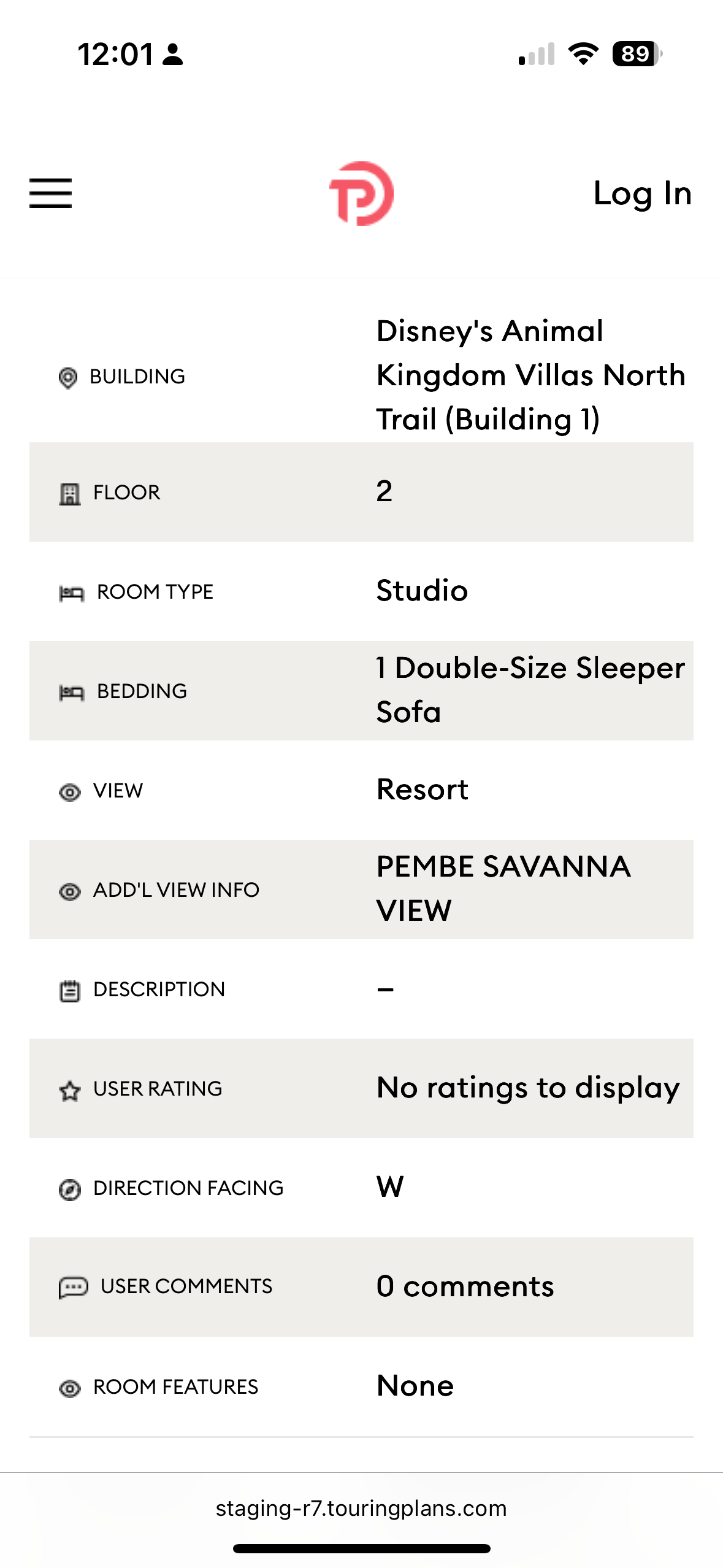
This says for bedding there is only one double-size sleeper sofa- if I didn’t know any better, I would think that means there is only one double bed in this room, which can’t be so, right? Would you consider putting the number of people a room can sleep instead of bedding?
2 Likes
A studio would have a queen and a sleeper sofa. This is just missing some text or perhaps it is lost due to space constrictions. Important call out though for sure
2 Likes
Thank you for clarifying!
1 Like
I have a question about the “minutes to transportation” estimate. I’m looking at BWV, room 2121, which is actually the request I recently submitted for our upcoming trip. We’ve stayed in this area on past trips and, using the stairs right outside that room, it takes us no more than 2-3 minutes to get to the buses. Just wondering why TP says 10 minutes. Is it because it’s taking us all the way down the hall to the elevator and out through the lobby entrance?
1 Like
I would bet this is why because not everyone can/will/knows about taking the stairs and would likely go to the lobby to exit.
1 Like