Serious question…
The new wand thing still hasn’t been implemented yet, has it?
Old wands are still good, right??
Serious question…
The new wand thing still hasn’t been implemented yet, has it?
Old wands are still good, right??
Oh and even more serious question…
Still no brisket crepe??? 
What are the current offerings there?

Ok, that’s actually a really helpful answer 

Try it once with low expectations and don’t expect the app to connect to the gun in the 5 seconds they give you.
Easy peasy. Finger scan is replaced with the camera, so much quicker. Everything else is the same process.
Yes, even when the new ones are implemented.
In other vlogger news Criag fromThe DIS quit yesterday to go to another job that isn’t vlogging & such.
He’s been the heart of that program since the beginning!

I’ve found the Epic Preview app and will have the whole family install it for our trip 
I was looking for the Villain Con app to do the same, but have just learned that this is actually part of the main UOR app.
I’m confused how this works.
I read the TP Blog about it that says I can add each member of my group to my app.
So does that mean I don’t have to have each of them install the UOR app on their own phone?
How does this work at the attraction?
Does one person link each member of the group to each individuals’ blaster?
You can play the game without the app at all. Just grab a blaster and start blasting.
You only need the app if you plan to keep playing it a lot and want to record scores.
Good to know, thanks
Let’s say I want to play a lot and keep scores… 
You won’t.
-from someone who’s kid rode MIB six times last week but didn’t care to do Minion blaster even once after doing it exactly once last year.
(But maybe you’ll love it?!)
That’s kind of what I was thinking. We did it in March once, and found it to be a frenetic mess. I kind of got the hang of it by the end of the experience…but honestly, it just wasn’t very fun.
I’m gonna DM you instructions in a bit with the details. Gonna take screenshots & such to help
Ok thanks
Feel free to just post it here in case it might help anyone else too…
I’m going to need to switch back & forth between my phone and PC to easily give details. So… You’ll see me posting for a bit & adding more… Be patient while I work please!!
Here’s is what you need to know to get started using the Universal App to Play VillianCon Minion Blast
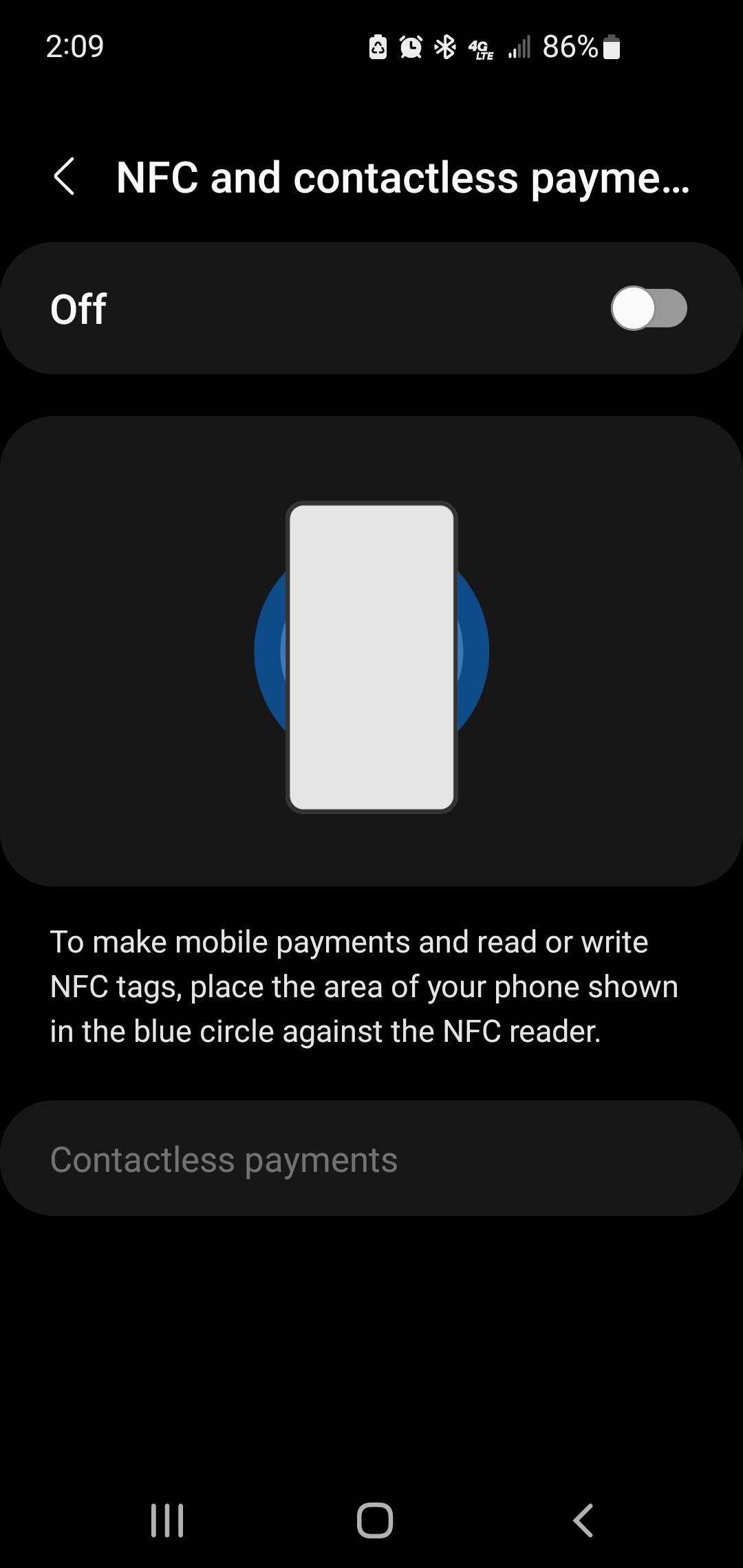
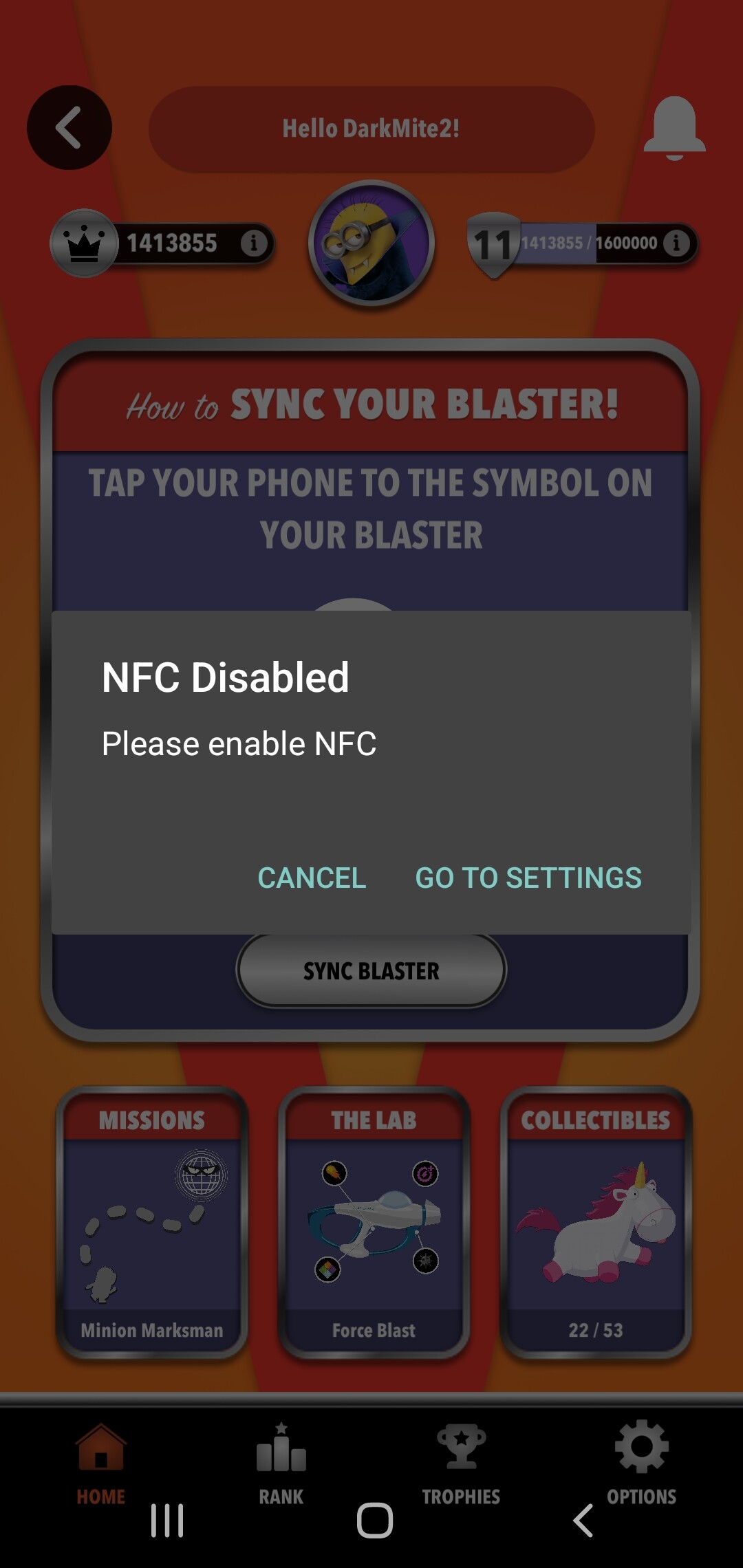
#1 - You MUST have NFC / Contactless Payments turned ON in your phone’s settings.
Otherwise it will not work at all…
#2 - You need to open the App and set-up your “Profile” BEFORE you even go to Orlando. It’s easy and straightforward. However, you won’t have enough time while in queue to do this, unless you go when it’s busy. IMHO - It’s better to do it in advance though.
On the home page of the Universal App scroll down until you find the VCON icon. It’s typically right below the first set of Ad pictures. IME - They don’t move it around as they want you to find it. Press PLAY NOW
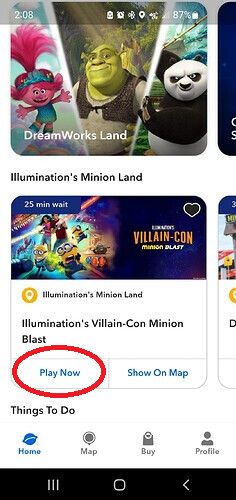
Click “Options” in the bottom right-hand corner. Then click “Current Player Settings.” It’s here where you’ll choose a player name and a Minion Avatar Icon and a background color.
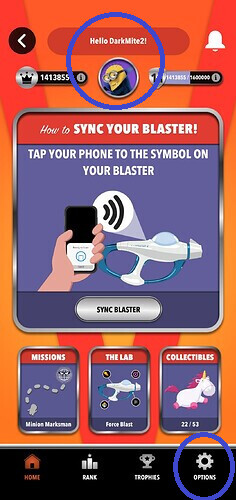
.
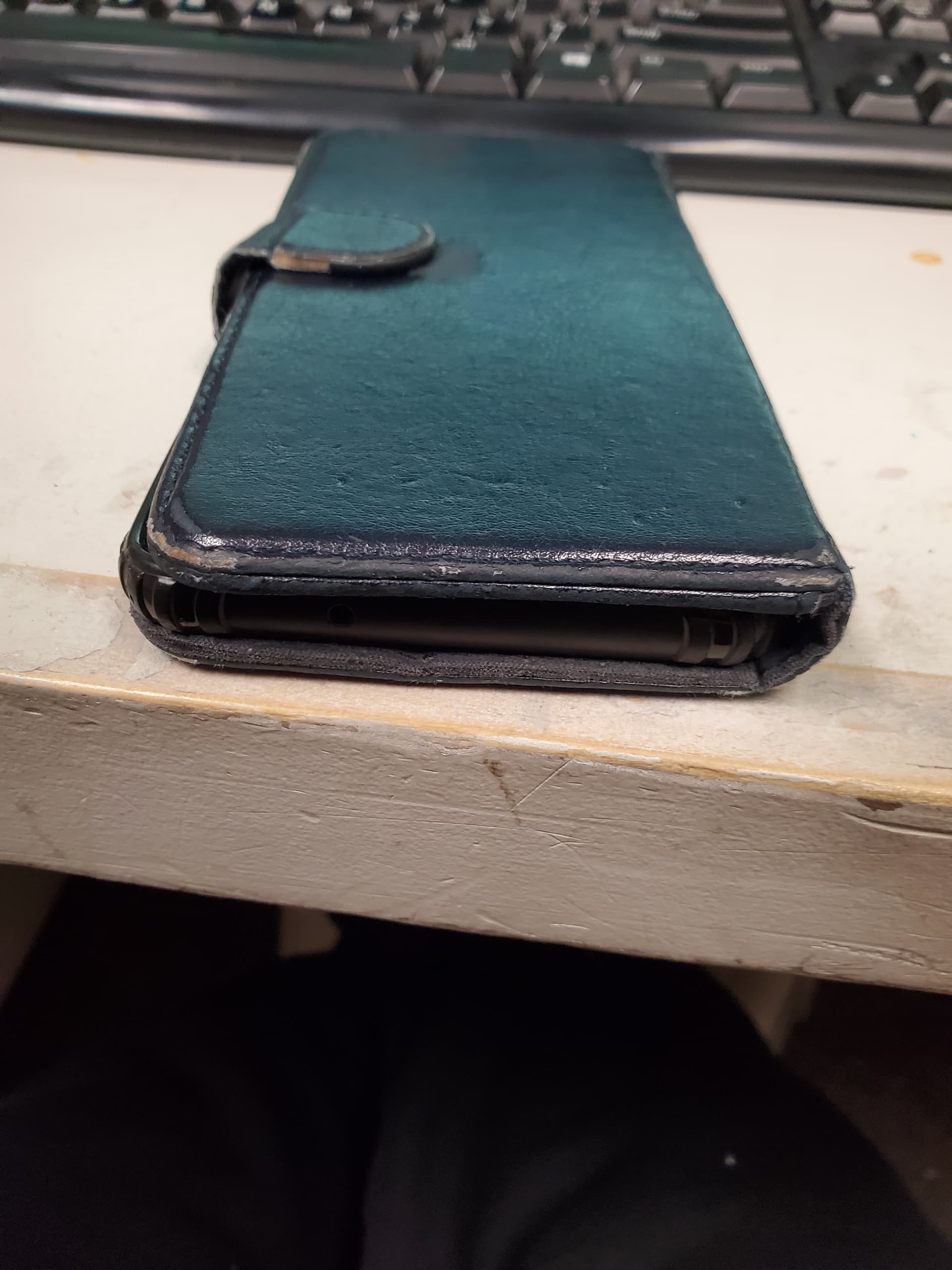
#3 - Your phone must be able to make direct contact with the Blaster in order to synch it. If it’s in a case it MAY not work. My phone case is my wallet and it’s thick. It will NOT synch / work unless I completely remove it from the case.
#4 - When you enter the attraction, turn the Universal App ON, select “PLAY NOW” on the VCON icon, like you did for the “Profile” set-up and start the game program.
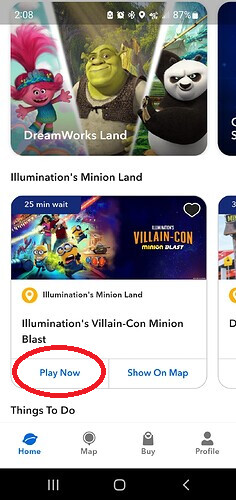
The game will begin to load and you’ll be directed to the VCON home screen
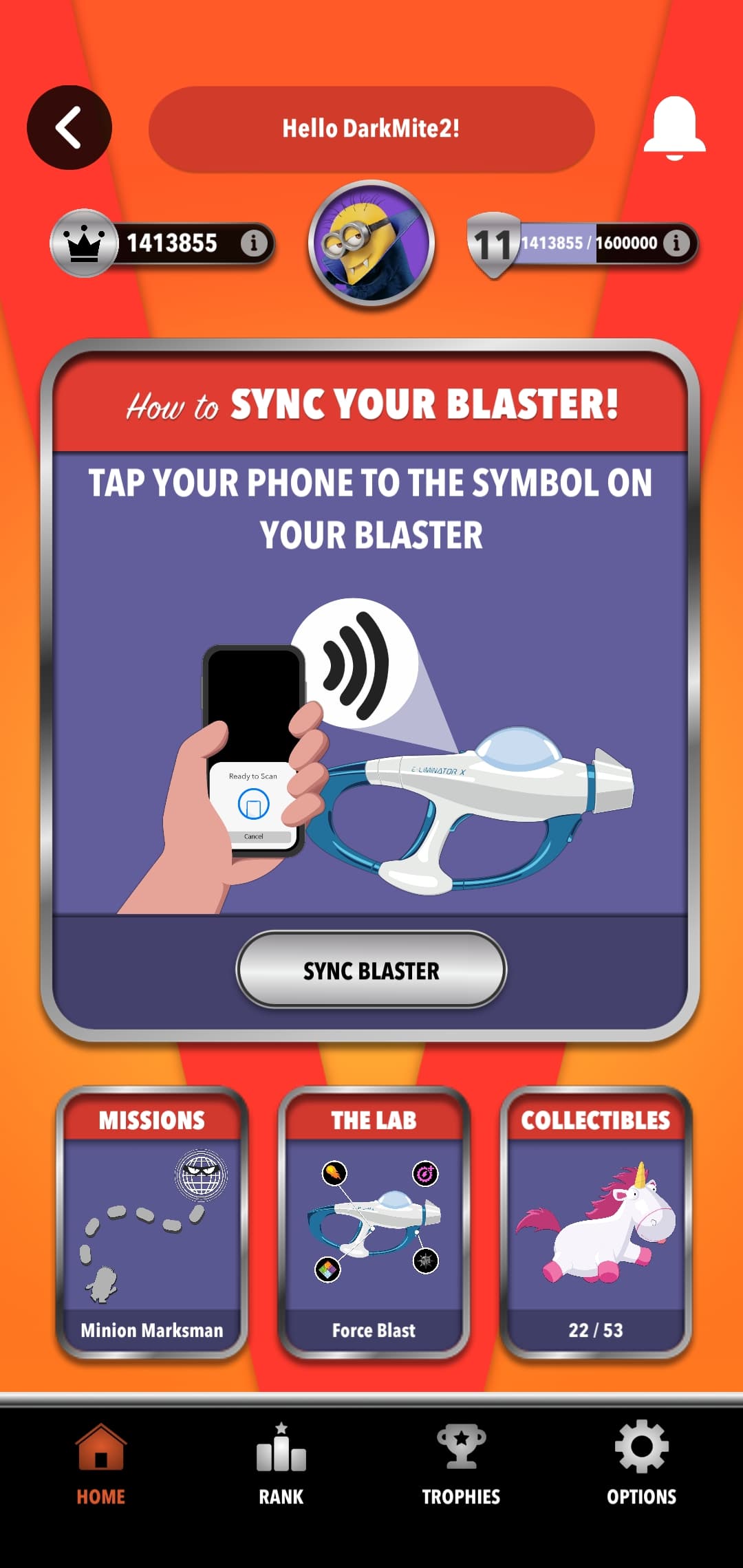
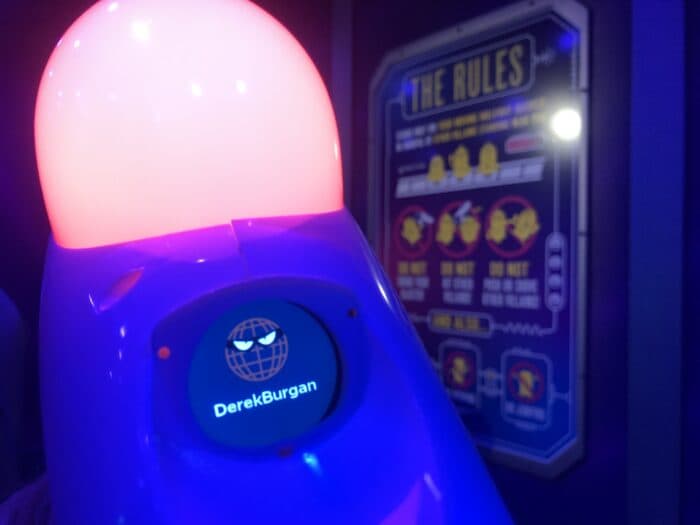
#4 - You’ll leave your app open and at this screen until you pick-up your Blaster. When you have your Blaster press SYNCH BLASTER. Then take your phone and hold it down directly on the blaster until it lights up, vibrates and you get a sound notification. You’ll, also, see your screen name displayed on the blaster. Furthermore, your name will be displayed in color that is going to be the color and icon of your blasters reticle (target/scope). You may get a “red star” or a “green globe” & etc,

#5 - Done! Now you can play the game & track your score. Any “unlockable” items you may get while playing or achievements will now be synched to your app.
Yes!
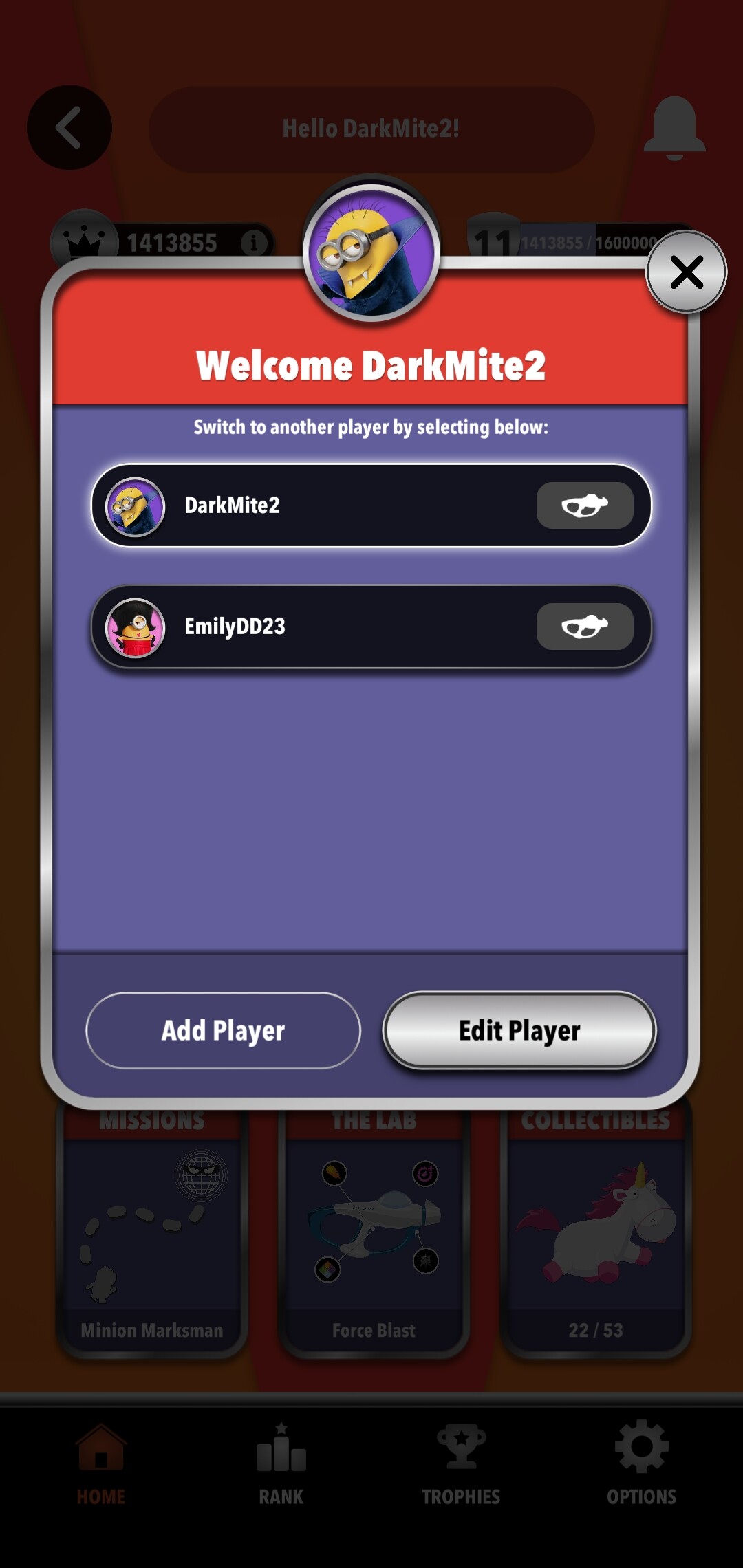
Yep! Whomever is going to be in charge of the App will need to already made accounts / screen names for every player. Then as you enter the “phone bearer” will have to go to the app, then tap the Minion Avatar at the top to switch between players.
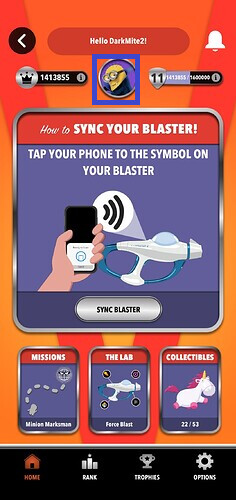
From here select the player you want to “activate”. Then do Step 4, from above, for each person. You’ll need to be quick as you don’t have but a couple moments from the time you get your blaster until you enter the game. Even doing it for only myself can take up all the time - especially if the App / Blaster isn’t synching. (Which has been my experience 4 out of 6 times I’ve tried to play.)
The idea of the App is soooo cool! You track your score, you can get “missions” to unlock power-up (Ex. - Shoot X number of special targets to get explosive bullets)
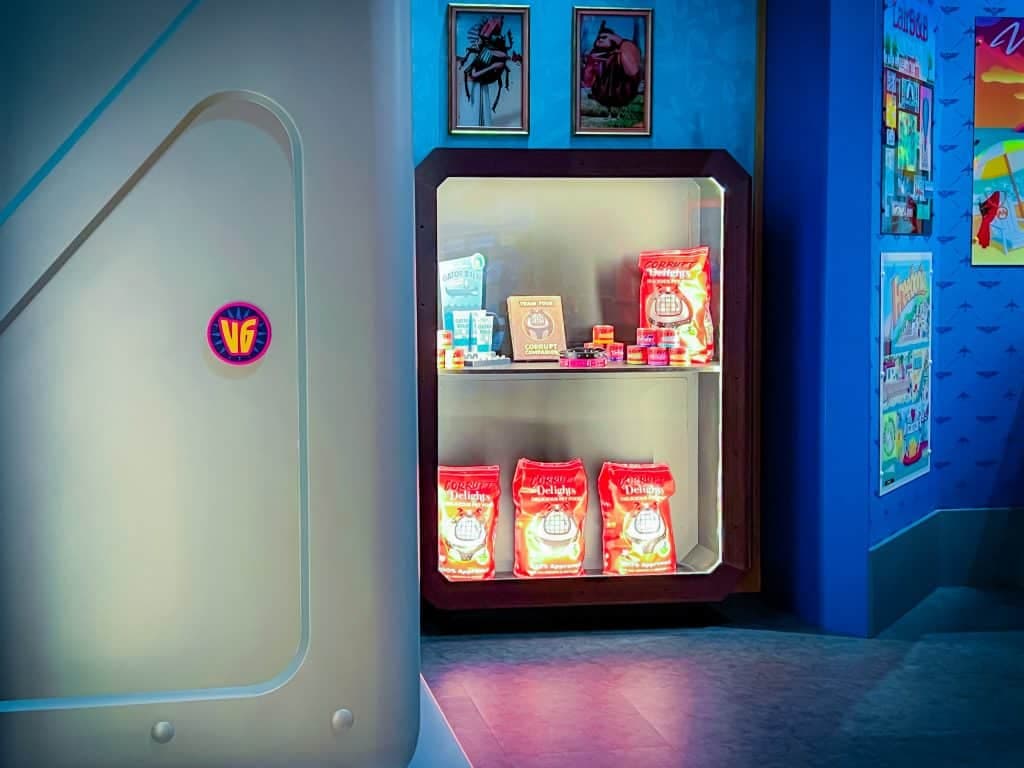
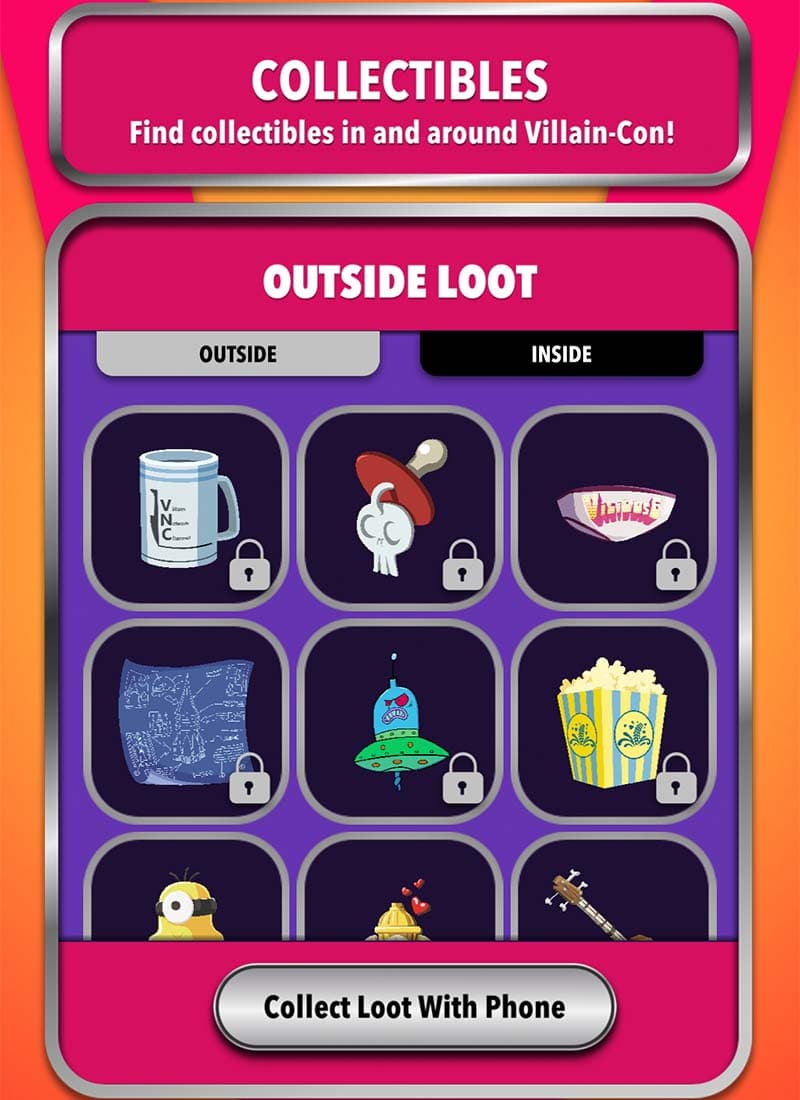
My favorite thing though is the Minion Land “scavenger hunt”. Scattered all over the Land, outside buildings, inside gift shops, in the ride queue your find V6 symbols. You tap your phone to these and get cute “charms” and such within the app
I believe that is everything. Ask anything in case I wasn’t clear or may have overlooked anything
Yes. IIRC up to 5 players per phone/app.
The downside is it will take too much time to scan a big party into the same phone. If you have time to scan 2 successfully I’d be amazed. 
Yeah, you just have to switch to a different profile name each time.
2 or more people with the app in your party will help during the mad rush.
Maybe they improved things since I was there though. 
That’s immensely helpful @darkmite2
Thank you