I am checking into Stella Nova on the 17th and Hard Rock on the 20th. Lowest SN was 2/27 and HR was 3/1.
5 Likes
Crazy! I guess the moral of the story is never stop checking 
3 Likes
After checking rates on a daily basis for the past two months (and rebooking whenever there’s a price drop), today I encountered a new problem when I tried to click on my booking with a great new rate:

This popped up even though I had already cancelled my booking for the same room/same dates (just at a slightly higher price) in another window about a minute before I tried to make this booking - so technically I didn’t have an exact duplicate when I clicked on book.
I do have overlapping bookings for this date (because I am still playing around with multiple combinations/resort options) - but none of my booking have the reservation number quoted in this message!
This is the first time this message has turned up, and I’ve been playing around with my bookings (cancelling and rebooking whenever prices drop, and having multiple bookings for overlapping dates) for the past two months - so dozens of times.
Has anyone had a message like this appear before? I’ve tried logging out/back in and I’ve tried waiting about 20 minutes (I’ve already received the automatic cancellation message from my previous booking). I’ve even tried making the same booking without logging into my account (I was prompted to give a different email address) - but still get the same message.
I suppose I’ll try waiting a bit longer (and hope the rate doesn’t suddenly jump above what I had before!) and if that doesn’t work call later today - but am a bit worried that if I call, they’ll start questioning the overlapping bookings in general?
Advice welcome!
2 Likes
Quick update to say I found a temporary loophole: I tried booking again without being logged into my account and simply changed two letters on my first name (which means I am booking in my legal name rather than the nickname that I more commonly use/in which my profile is set up). All other guest names/mailing address/credit card information is the same as on the original reservation.
It went through - so at least I’ve locked in the latest (excellent) rate. But I am still worried this will get messy if I need to start using multiple accounts to book/rebook or hold overlapping reservations, so I will call UOR some time this week in case the problem does not resolve itself.
1 Like
I had that same pop up. I got it before I cancelled, and after. I called the number on my cancelled reservation.
I haven’t checked recently but in my profile on the website I found a section that listed my resort reservation (UO website- similar to how it for a short time showed in the app), that cancelled reservation was still there.
2 Likes
Thanks, glad to hear it may not be a new thing.
I did check my profile on the UOR website and I can see all of my resort reservations listed. The one that I cancelled is not there anymore; however, there’s a message at the top that says “Please note, new reservations or modifications could take up to 24 hours to appear in your account.”
So I’ll wait for 24hrs and see if that solves it…
3 Likes
Now I see two cancelled reservations on the website. When I click on through to the details, they both show as cancelled. They are both cancelled Stella Nova ressie.
1 Like
Oh no! Hope you manage to get back the one you want.
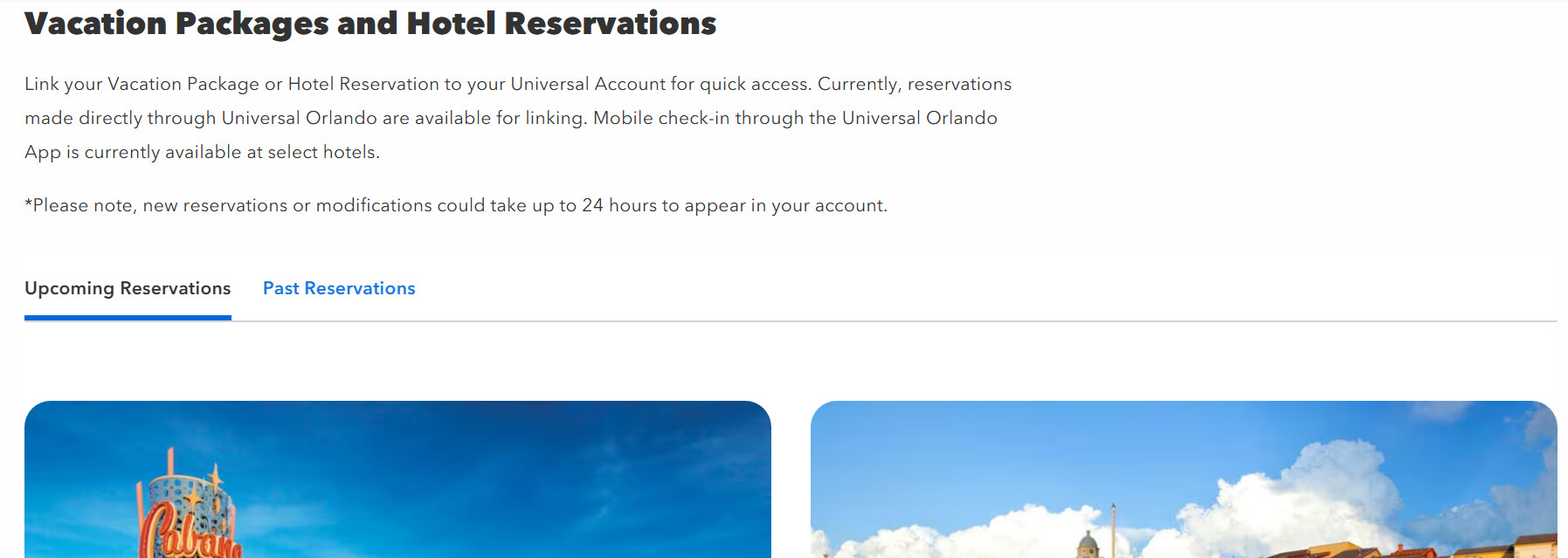
Where do you see cancelled reservations? When I log into my Profile, and click on ‘My Purchases’, I can only see current reservations but not cancelled ones (when I click on ‘Past Reservations’ it says I have none, since we’ve never been to UOR before). Here’s what I see:
1 Like
I currently have three upcoming reservations: 3 nights Stella Nova, 1 night Hard Rock, 2 nights Royal Pacific. When I go to my upcoming reservations my Hard Rock and Royal Pacific are correct but it shows that I have three (3) Stella Nova reservations for April 17-20. Two of them are in fact cancelled. When I click on the details of those two reservations, it brings me to the “this reservation was cancelled”. I also have the cancellation emails. My last booking is there too. I had booked and cancelled Portofino and higher cost Hard Rock rooms, they do not show on that page. Only some (I cancelled more than two) of the Stella Nova rooms Are still there.
2 Likes
I don’t think I’ve ever linked my reservations to a profile, or at least I’ve never viewed them that way. I do have a UOR login, but I’m never logged in when I make hotel reservations. When I cancel, I usually have to individually select my confirmation code using the link from the email I received at booking.
2 Likes
That is how I cancel too. I do book my resorts going through the passholder tab of the website.
2 Likes
I tried to do this a million times when I stayed at UOR just because I was so used to having to do it at WDW. It never actually worked and everyone at Uni and online here said I didn’t need to. And I didn’t!
2 Likes
I did not link any of my reservations. If you log onto the Universal Orlando website and go to account, there is a section (once you scroll down past your personal info):
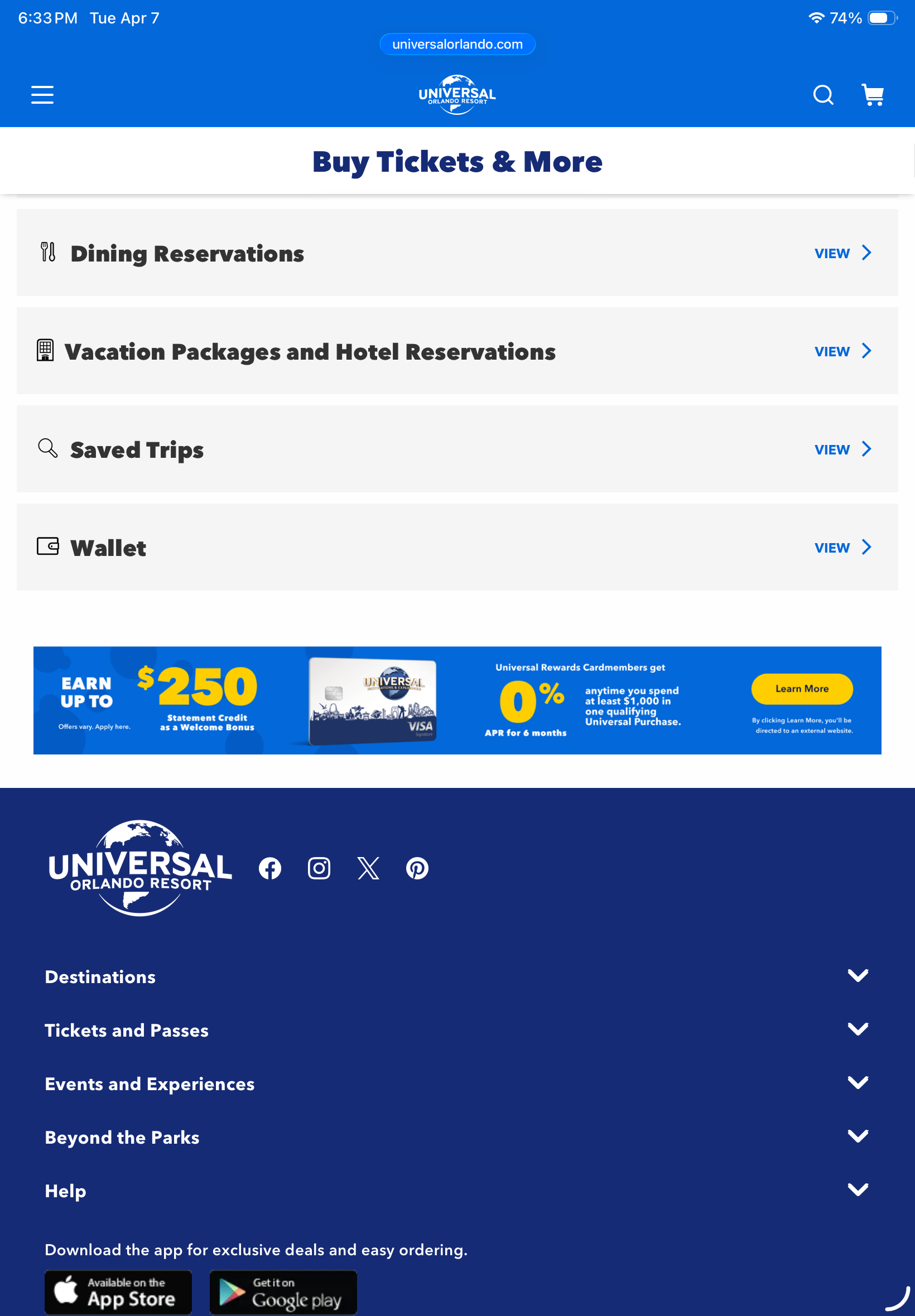
Those links then bring you to a your reservations. Dining is for the restaurants you can book through UO, vacation package and reservation should show you all your hotel bookings.
2 Likes
I tried rebooking 21 hrs later and got the same error message when I tried rebooking the same stay with which I had problems yesterday. Interestingly, I had no problems rebooking another resort (for another night of my trip) that had newly dropped!
I just checked again now - a fully 24hrs after first receiving the pop-up - but since the room price jumped up significantly I won’t try rebooking but will wait for the next price drop (if there is one), and call UOR if I don’t manage to resolve it.
In any case I should probably decide on my options soon: I’m 83 days from check-in and am still playing around with 5 different scenarios because I got so tempted by some of the price drops I saw 
3 Likes
Rather than cancel and rebook, are you able to modify to add a phantom child, and then if the price drops again then remove, and so on? I saw that tip before and use it successfully. Keeps from having to cancel and rebook, which may help avoid this problem.
3 Likes
Oooh, thanks for sharing that idea!
And funny you should say that - I was actually playing around in my account yesterday and similarly noticed that if I go to modify the reservation, prices do update automatically. I was excited for a moment; however, I could not click to save the new rates. When I tried to click ‘save’ it would say “you have not made any modifications’.
Will look out for future price drops and try seeing if the addition of a phantom child will lock in the new rates!
4 Likes
I did not check my Stella Nova rate since I check in on Friday and I don’t want to try to cancel this close but I did just save another $50 on my Hard Rock room (7 days before check in).
5 Likes