I did email the help desk earlier this year, but hoping someone else here has a workaround. When I print out my TP’s, I used to be able to add headers and footers and adjust the margins on my print setup screen. I can no longer do that. I can’t find the reply I received, but it has something to do with the TP’s having been a pdf at one time vs. now printing from the website (or vice vers)? Does that make sense to anyone? Is there a fix?
2 Likes
Have you tried saving them and then printing from that application, making the changes as needed?
I’ve never tried to add headers and footers while printing. Are you using the same printer as when you were able to do these things?
2 Likes
Yes, same printer. The help desk said it has something to do with the format changing on the TP’s from the way it used to be. Trying to find that reply.
Edit: Found the reply:
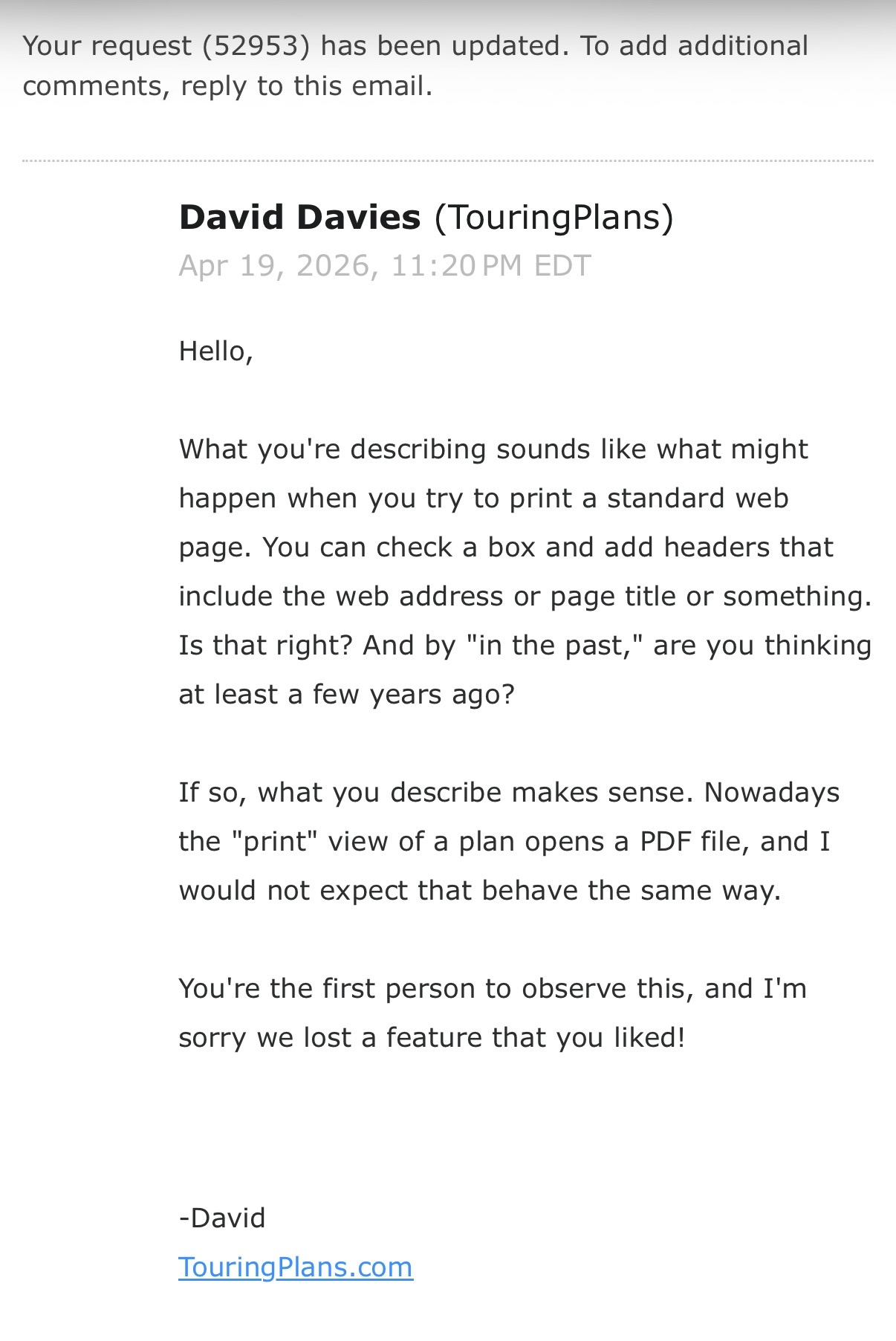
1 Like
Yes, I know exactly what you mean. I recall a few years ago being able to adjust the scale and margins to get things to format a certain way. For example, if I was trying to keep all of the steps on one page, I could reduce the scale. Or if I specifically wanted the map to print on a separate page, I could increase the scale. I have found that this doesn’t work any more. Now, when I click on print plan, a pdf is automatically generated and there are no options to change scale/margins. The only options that exist are “fit to paper” and “fit to page” or something like that. So however it’s formatted on the pdf that is generated is the only way it will print out.
2 Likes
I put screenshots in my Word document and then print it out.
2 Likes
This is EXACTLY what I am running into! Not really life and death  , but I don’t like for the steps on my plans to be cut off halfway and the remainder of the step on the next page. Also, as I tweak my plans, the header tells me when I printed it, so I don’t have older copies lying around. Now I hand write the date printed on my copy. Not anything critical, just nice to haves.
Most people younger than me probably don’t even print out their plans…
3 Likes
I might have to try that.
2 Likes
I print mine to OneNote, so no paper. But, I did create an agenda each day for DD last trip. But I made it pretty.
2 Likes