Ryan needs his own snarkfish. Maybe 
3 Likes
Just a shout-out to TP, thank you for including all the historical data (I’m used to digging up) on the new site. It’s more clicks and scrolling, but it’s there.
And also, thanks for leaving the old site with that data so we have a choice!
I was going to post some screen shots for comparison, but with the new site it would be A LOT! 
4 Likes
I knew there was something I was going to ask. How do we see the old site?
2 Likes
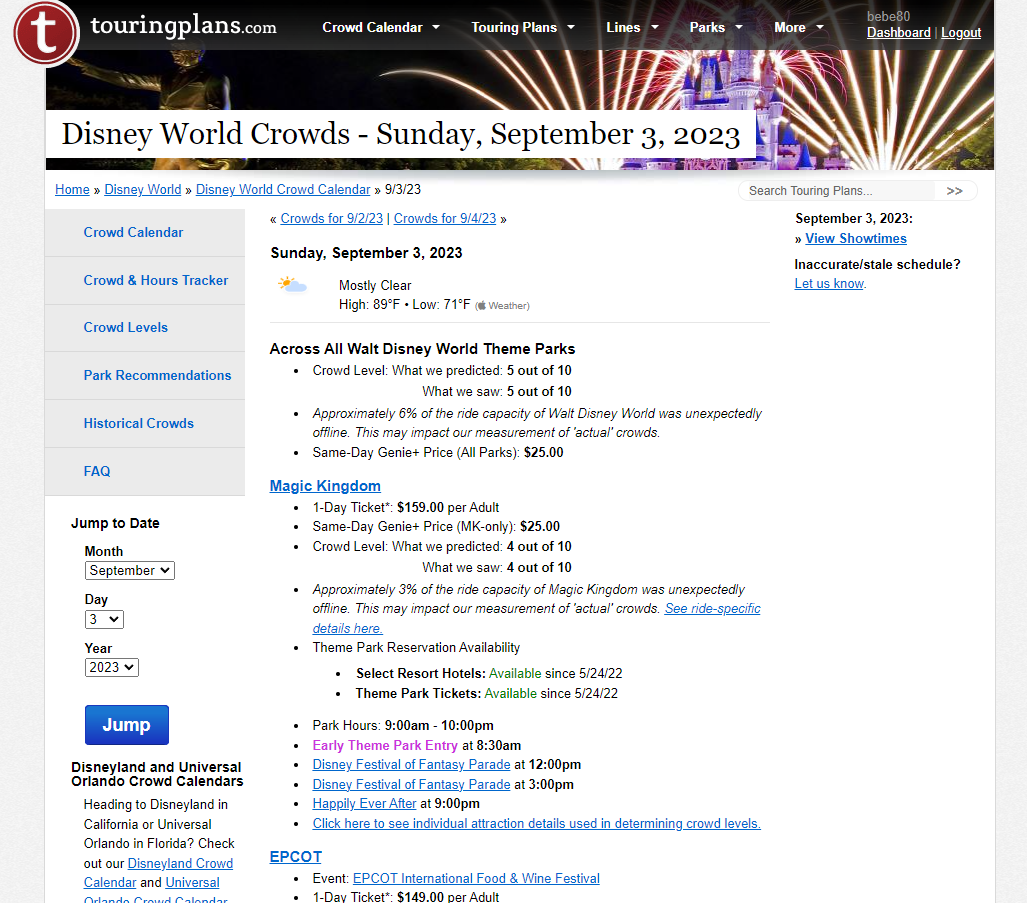
The difference in the url is the “c.”
Old:

New:

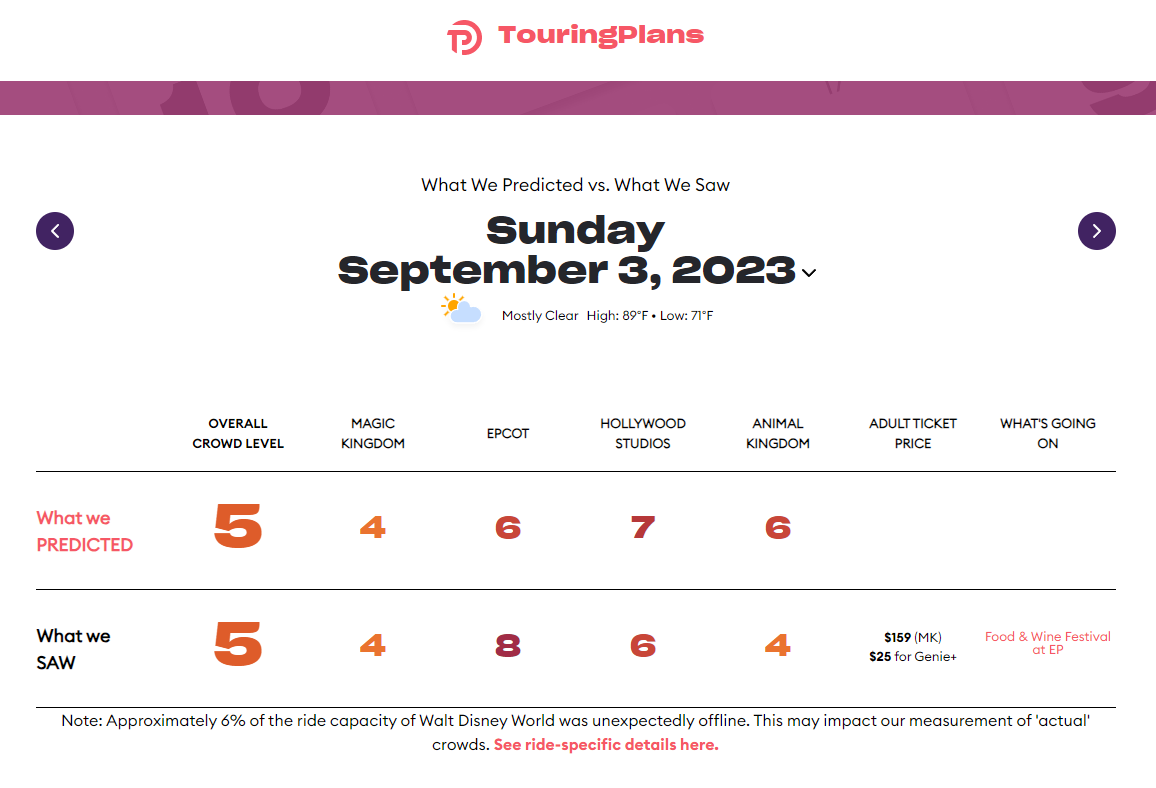
And from the old site link, you can access all the other historical info.
4 Likes
Brings me to the new. Excuse my untechy unsavyness. Do you just type c.touringplans.com?
That can happen (revert) for some, yes just edit the url.
1 Like
It just keeps resetting the URL automatically for me.
And using that specific page link just gives me a blank page.
1 Like
Maybe use a hammer 
Len said the old site will not be kept up though
But for now it can be accessed for example through here: Historical Disney World Crowds
3 Likes
He also said they can’t have the old and new pages exist simultaneously 
But they do
3 Likes
Now that link still works.
So the historical crowd data won’t be available then? I always direct people to TP for that, better stop now I guess.
It is all still available on the new site. Just more clicking and scrolling.
2 Likes
So what’s “all the other historical data” that you said we can only access from the old site?
For those for whom it doesn’t automatically redirect, at least? Maybe I need to try it with a vpn and see if it’s related to my geo-location. I’m stumped.
But @Mike_vndt ’s link worked, whatever he did.
yea it’s there, just a bit tricky to find at first. From here: Disney Crowd Calendar
Like this:
Click on the view past dates icon:
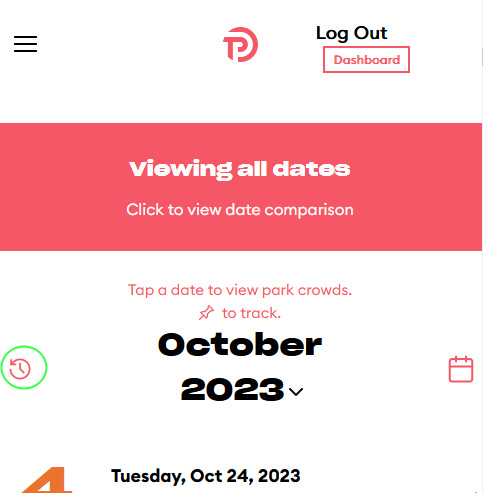
then…
Scroll through months and select a specific date by clicking “see all details”:
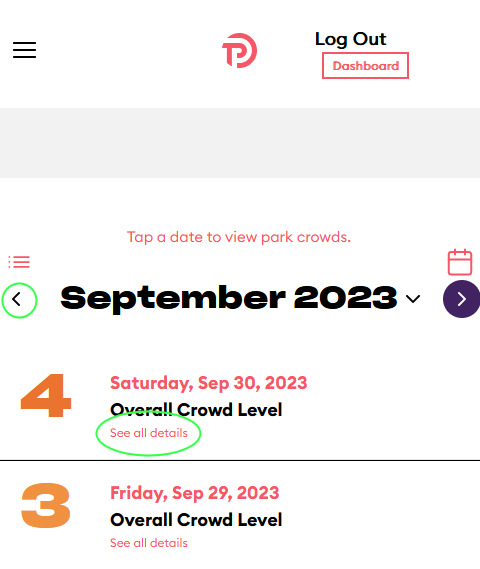
as far as I know, this is the only way to click through to historical data by date. Not super straight forward and the icon is easy to miss. Also, for some reason the month view doesn’t work for past dates, I’m not sure if this has been adressed yet…
5 Likes
Sorry, I may have said it wrong. The new looks to have it all too.
1 Like
Good catch, looks like a site error or whatever.
For the TP website experts to look into:
When you are on “View Past Dates”, and hit “Calendar View”, it reverts back to “Current Predictions”
3 Likes
Reposting this from the discussion on the other thread about re-ordering items on a plan.
It seems to do this you have to hit Evaluate.
To me Modify should allow you to change the order. Evaluate should do just that.
1 Like
I agree!
1 Like