There REALLY needs to be a way to print out a touring plan as a LIST without any fancy graphics, etc, while I’m planning. Then, when I’m all done, print with the map and fancy stuff added.
1 Like
There is. 
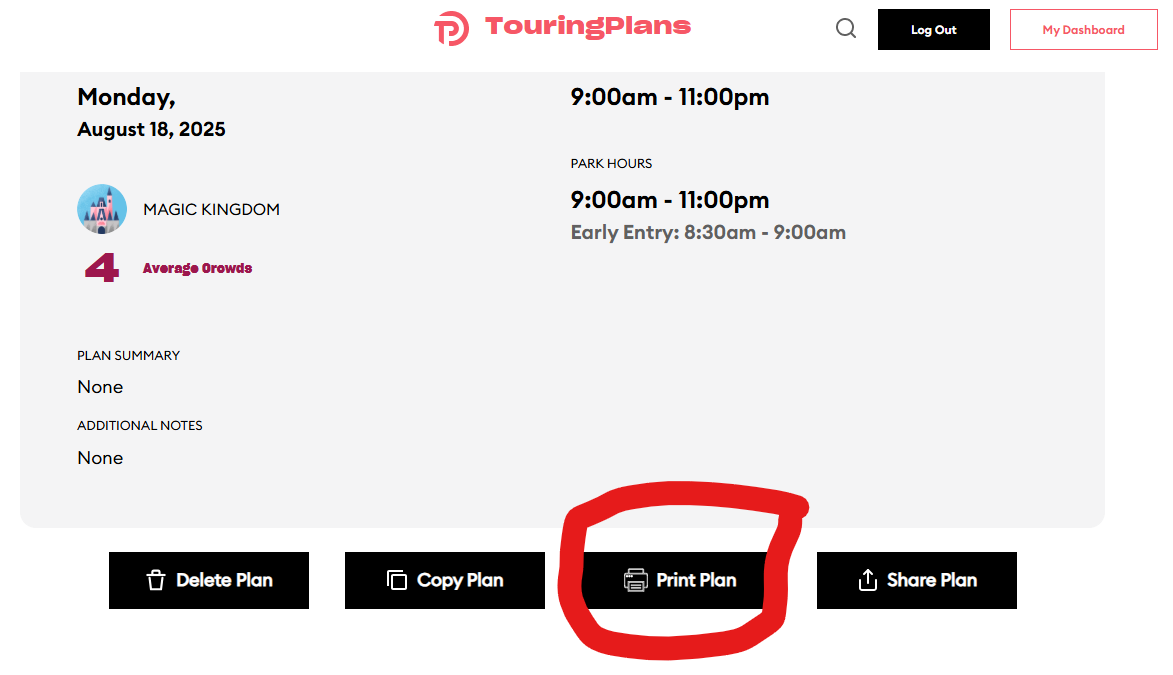
When you click on the Print button, this is the result:
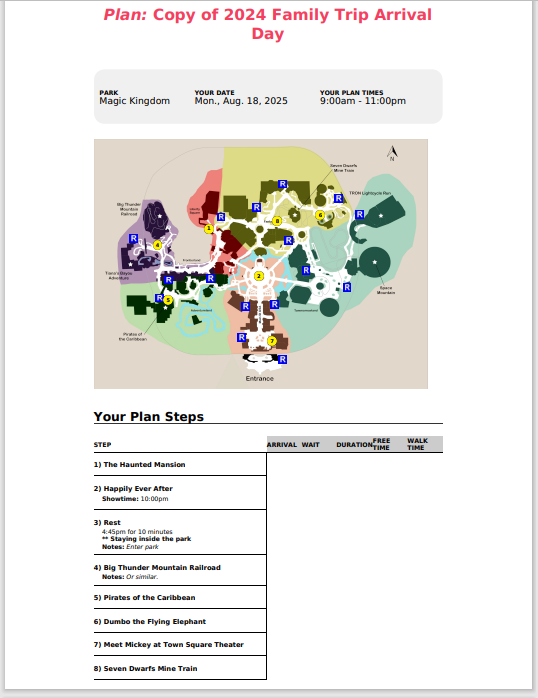
Perhaps that’s only available from the desktop view?
Or maybe I don’t get what you’re asking for - but it seems that this is exactly what you’re asking for?
2 Likes
I think the question is whether they can omit the map.
Oh.
But then they said they wanted the map?
I’m confused.
1 Like
They want just a list without a map while planning, then the map added only when they’ve finalized. I think.
3 Likes
You can highlight the steps
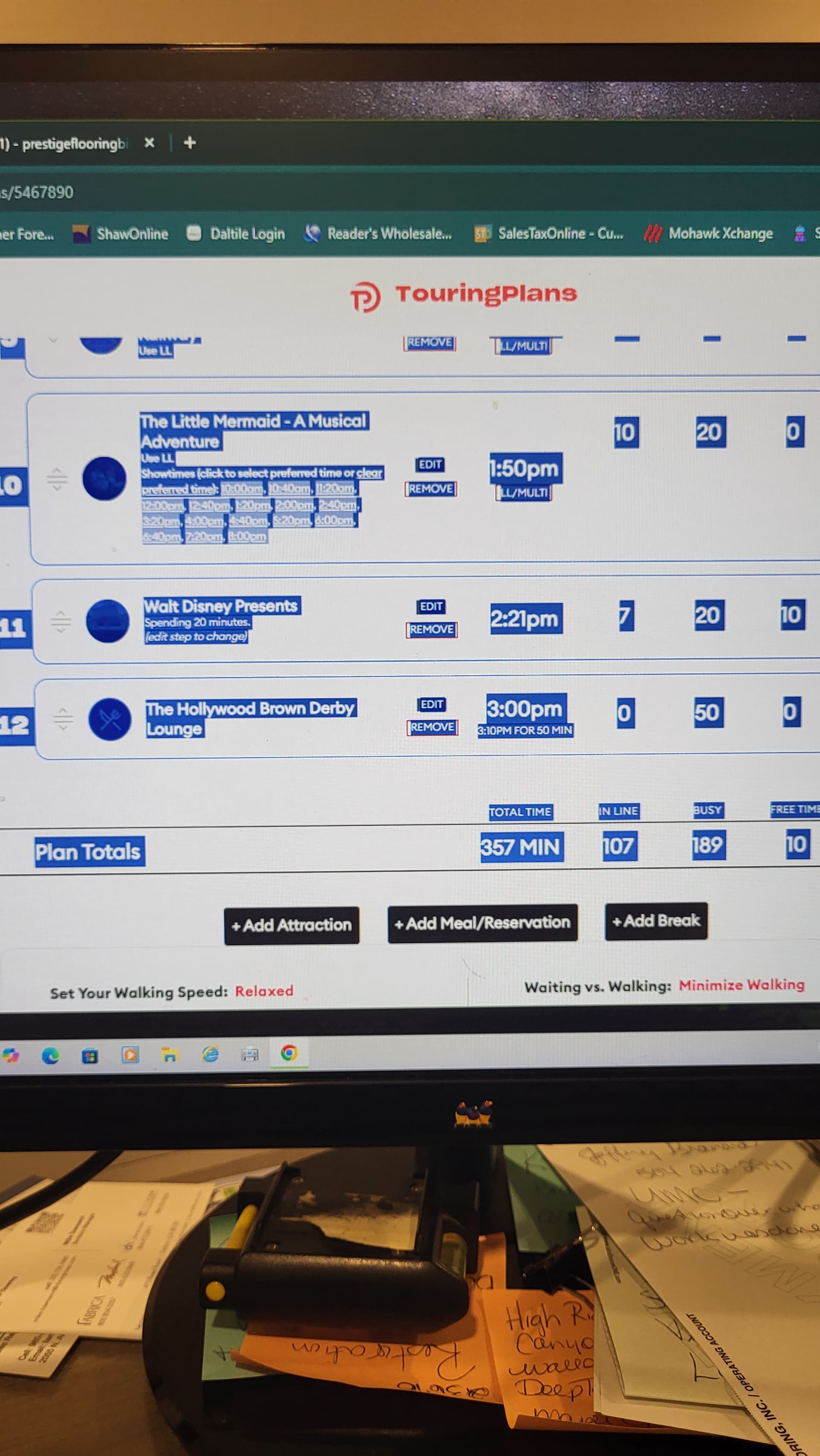
Then right-click on the highlighted text and select print.
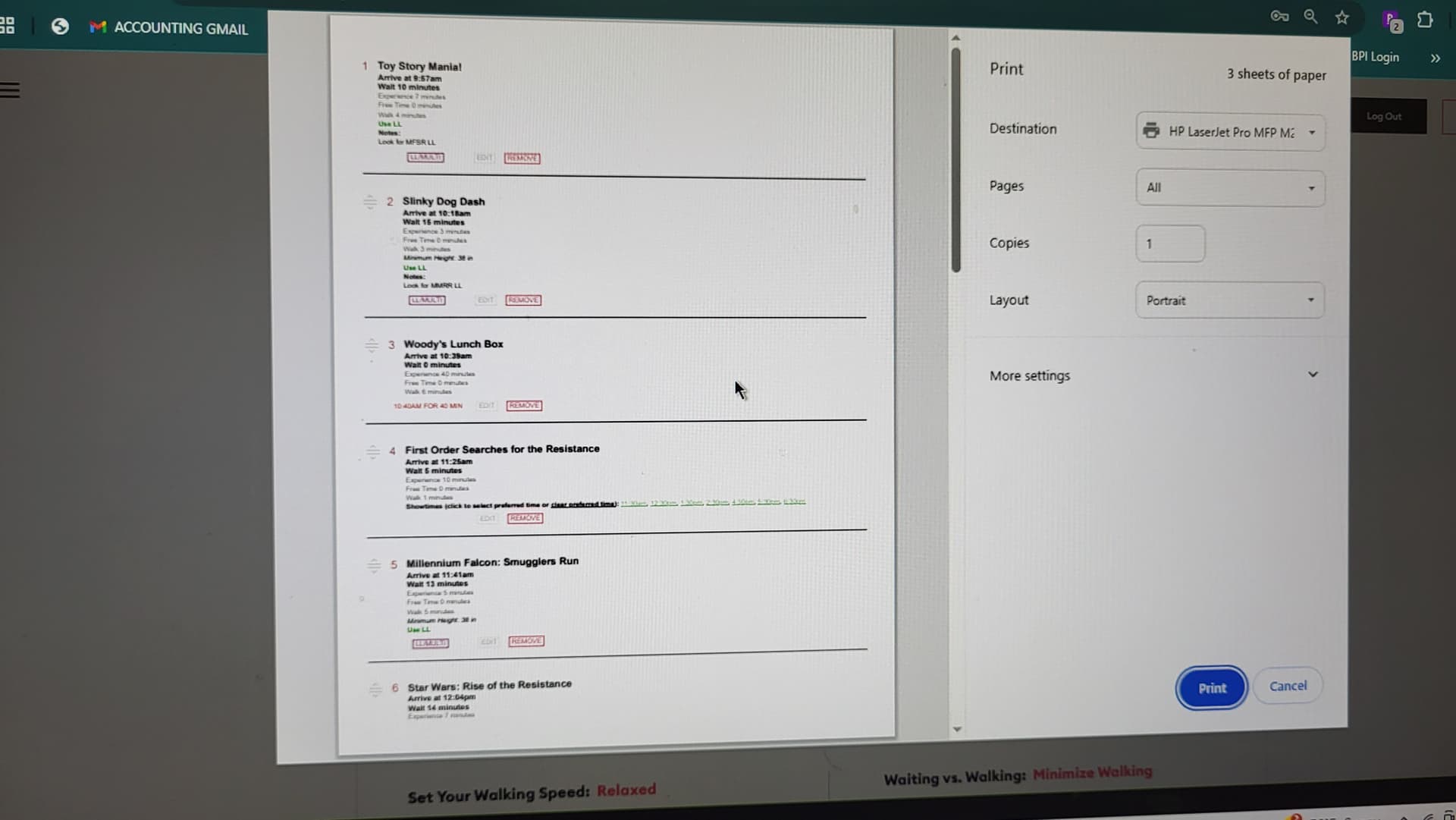
It’s not quite as condensed as you might want but you can eliminate printing the map.
2 Likes
I think that would be a good option too - I like things to be pared down a lot of the time.
You can send the TP folks a suggestion in their contact form.
Here’s a slightly clunky workaround you can try:
If you Publish the plan as if you were going to share it, in the shared version the table of attractions etc should be copy-able to be cleanly pasted into a Word or Excel doc etc that you can save/print.
Steps:
At the bottom of the summary box click Share Plan:

Select Publish and copy the link to clipboard.
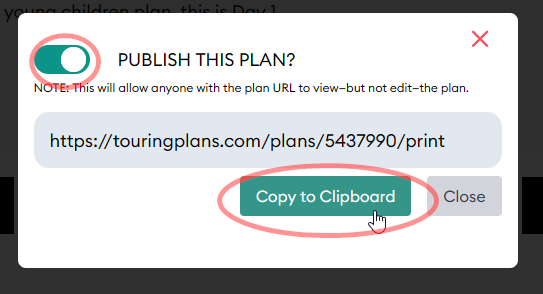
Open the link in another tab - then select the Plan Steps and copy to clipboard.
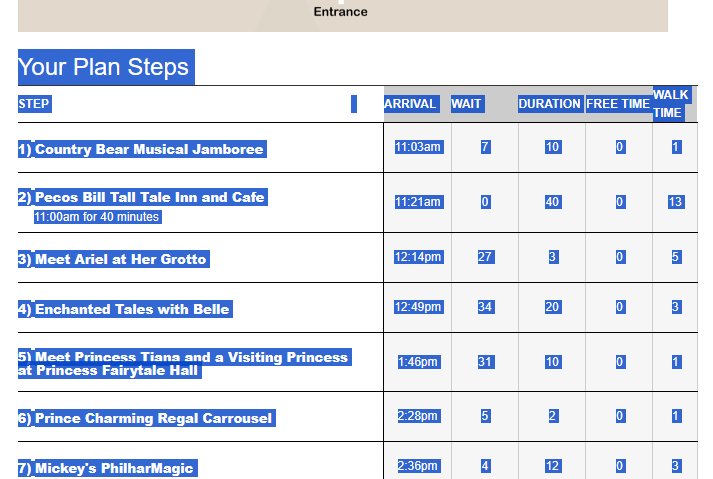
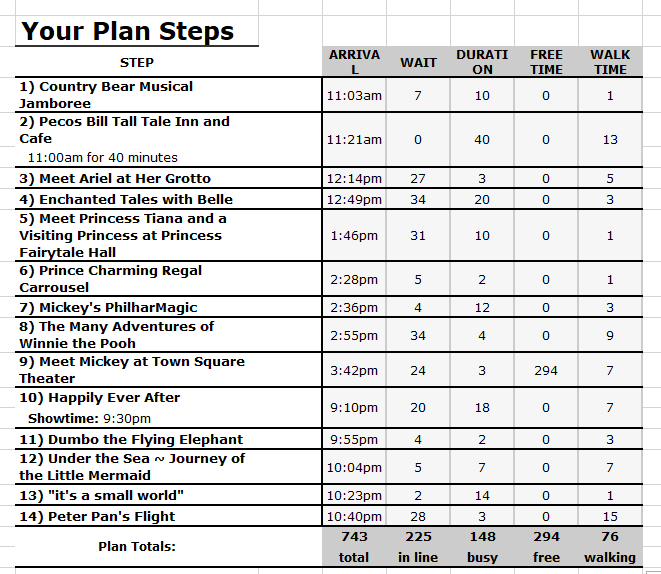
Paste it into your editor of choice to print and/or save.
7 Likes
My new way of printing plans! I’ve never thought to do it that way. And now I can color code steps 
5 Likes
When I use Print button it eliminates wait/walk times which is what I would like to see.
It’s hard to do all this on a phone/ipad without a mouse and not a computer (which I don’t have)
1 Like