For your first cruise you’ll be eligible to check-in online starting at 30 days before. It’s a whole process that used to be optional & could be done at port but they moved to making it mandatory and you can do it as soon as it opens up and up until 3 days before you embark. As a part of that check-in process there is a page to register kids for the kids club (not sure about Edge or Vibe specifically though). When we checked in, it just knew the ages of all our kids and had a few things to answer to get them registered for Oceaneer. There’s a great thread here on the rest of process of that check-in that helped me immensely with the process. The only material difference on the info from that thread is that instead of everyone being eligible at 30 days and it being a mad rush, check-in is now tiered by your cruising status so the more cruises you’ve been on the earlier you can begin check-in so it’s less madness right at midnight ET. And you can totally adjust all of the information as long as you do it before the information locks 3 days before embarkation (including your travel documentation i.e. if you’re waiting for passports to come back last-minute and may only have copies of birth certificates to upload).
I love research too!
I have the Disney Cruise Line 2023 Unofficial Guide and (had the 2019 & 2020 ones as well when I started planning). Their recommendations about how to select a first cruise & overviews of the ships really helped me narrow down what I wanted out of our first cruise and then it was just a matter of looking at all the sailings that met those qualifications AND our schedules. It helped eliminate a lot of wafting through itineraries I wasn’t sure about or wouldn’t apply. I also threw my UG in my carry-on & there were several times on the cruise that I pulled it up for reference when the DCL Navigator App didn’t have the info immediately available (or the WiFi that we’d purchased was being slow).
In the UG they recommended https://disneycruiselineblog.com/ as a great source for current cruise things and I LOVED studying deck plans, perusing menus, finding “Personal Navigators” (aka daily schedules) for past cruises to get an idea of activities all of which can be found on that site. You can also see the daily ship locations & all the itineraries in a very organized way that seems to be a struggle for anyone else to get put up.
DIS Boards also has a very active forum and I definitely used it the least, purely to read trip reports, but also to figure out if there was any more information on how anyone combo’d a WDW trip with embarking from Miami (a lot of people don’t I found, so if you do end up going that route, I can answer what we ended up doing there).
On YouTube I didn’t ever gravitate to one particular channel, but more kept on the hunt for things that were current for the Dream and our itinerary. I started with watching videos of whole ship tours. Several times. To help me get a sense of the ship. Below is my favorite walkthrough that I watched several times was but there were several other recent ones too that I did watch. This one was just the vlogger that annoyed me the least so the one I was willing to re-watch to help me situate.
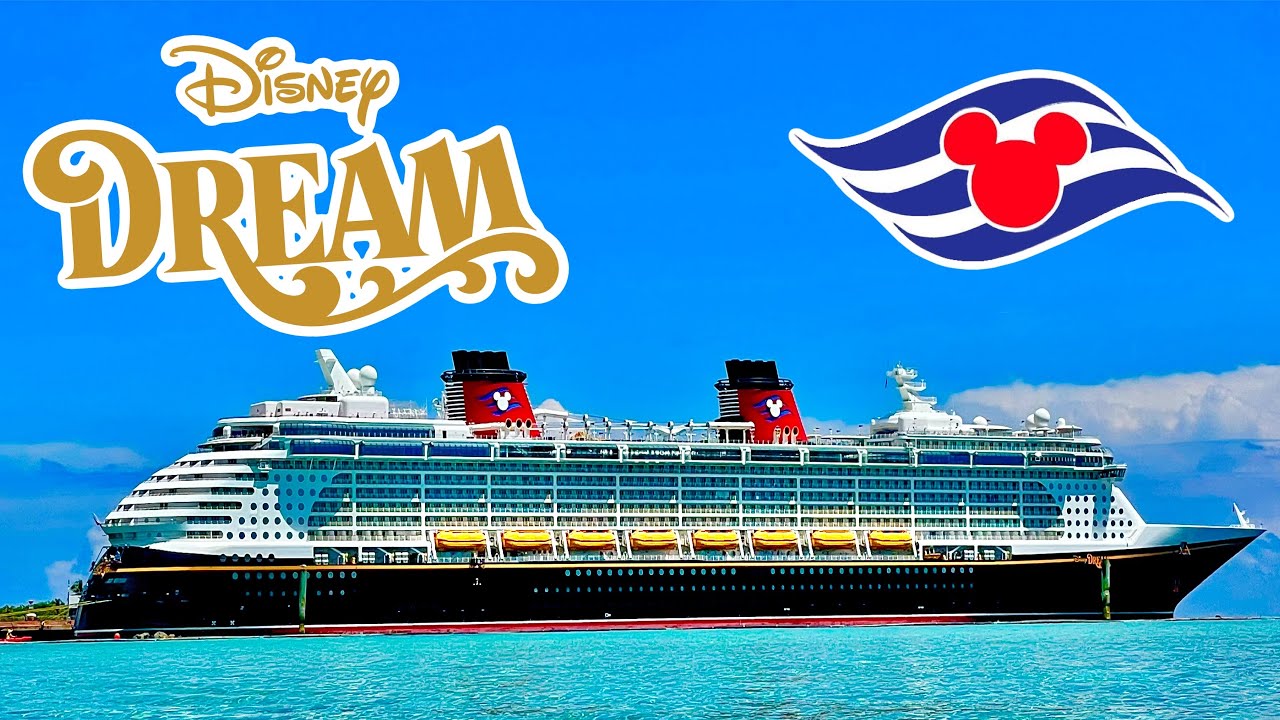
I also looked for vlog series for anyone who had done the same/similar itinerary as we were going on within the last couple of months. Most of them for my particular sailing were all Marvel cruises & ours was one of the first itineraries that wasn’t going to be Marvel themed but seeing what they did for dinners, what nights they had which shows & which themed nights and what they did for the same ports we were doing gave me ideas of what we’d be up to which my planning brain LOVES to have.
Oh and it may be too late to really do much about stateroom selection but all the info on Disney Cruise Vacation Planning Tips & Tricks - MouseSavers.com helped me really get to the nitty gritty of what staterooms I wanted.
Now that we’ve been home from the cruise, both my husband & I joined a bunch of cruise Facebook pages. We went on our first cruise with 2 other families in our extended family so we didn’t really feel the need to get involved in the cruise meet-ups/gift exchange (call Fish Extenders), etc. But we did end up joining our specific sailing’s Facebook page & that was helpful to have a gathering spot of information & somewhat of a larger community than our families for the ship. And once home we missed having so much talk on our feeds about Disney cruising so we joined a few general groups, have 3 more cruises booked & are part of all their Facebook cruises and will try the gift exchange (Fish Extender) on this next cruise to see if it’s something we do (some of the people on those Fish Extender groups can go all-out & expect you to as well so we avoided it on the first cruise & just gifted each other).